How to Enable Inventory Lot Selection?
Follow the above mentioned workflow to land on the ‘Inventory’ tab.
Mark the ‘Allow Prescriptions without Lot Inventory Selection’ checkbox and click ‘Save.’
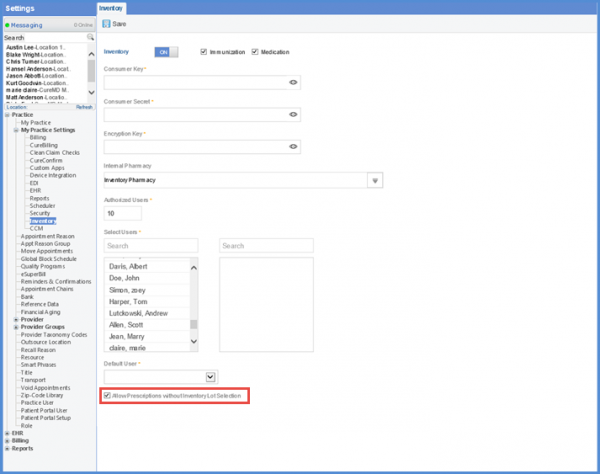
This allows the user to prescribe a medication without selecting the inventory lot details on the ‘Rx Pad.’
