How to Add an Inpatient Code Setting?
Following the workflow, the user lands on the ‘Inpatient Billing’ page.
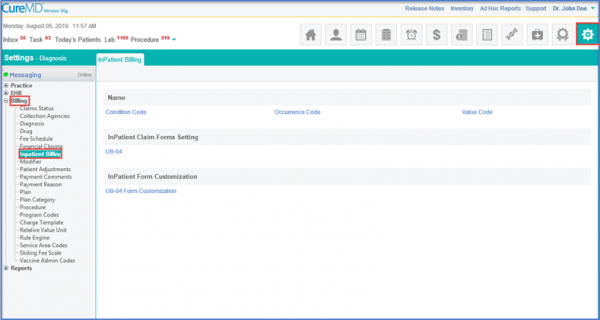
The user can select from the three available options; Condition Code, Occurrence Code and Value Code.
Once done, click on the ‘Add’ button.
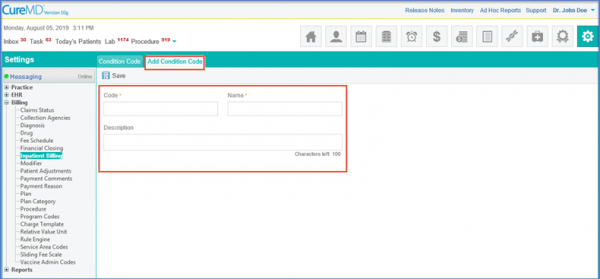
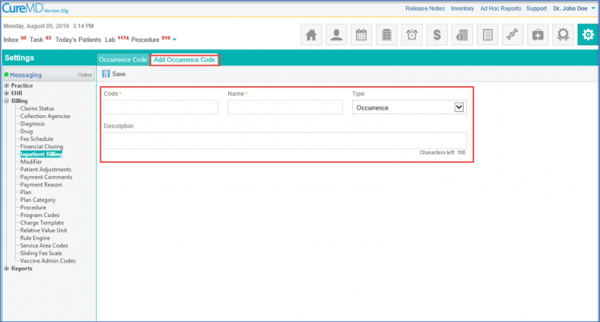
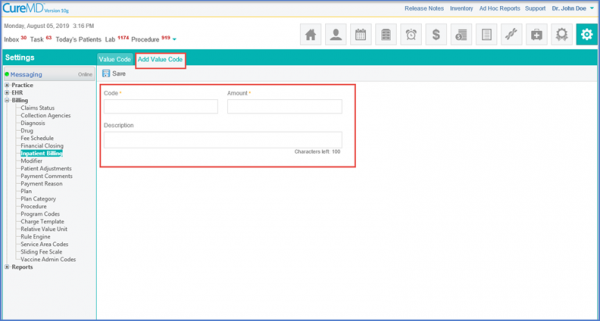
Insert the respective fields according to the selected page.
Click ‘Save’ after completion.
