How to Transmit Reports to Reports to NHCS Registries?
The system reports to NHCS Registries.
User selects NHCS as category and MU3_NHCS as type.
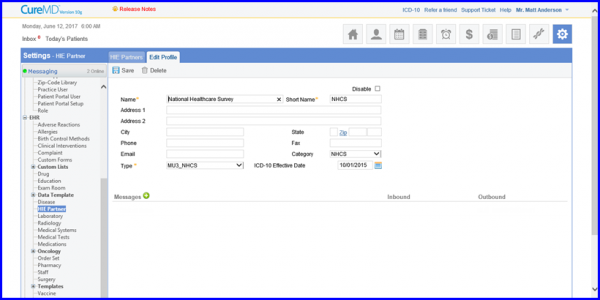
User selects outbound clinical notes for the HIE partner.
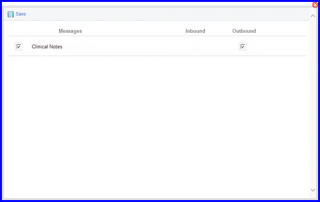
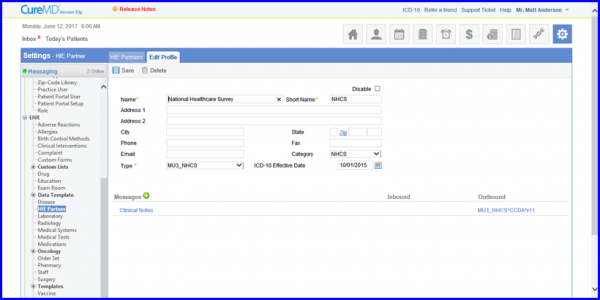
Once messages are added, they appear on the HIE partner profile. User clicks on the settings for each message type to configure them.
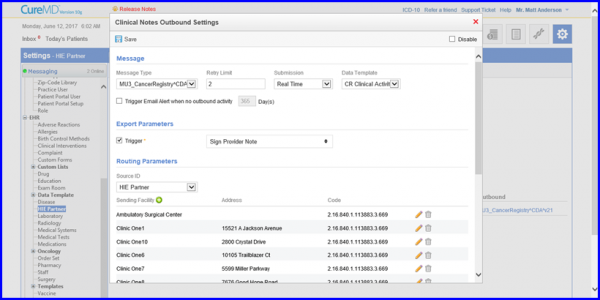
Clicking the configuration icon for the Clinical Notes outbound icon displays the configurations popup. Submission type is selected as Queue.
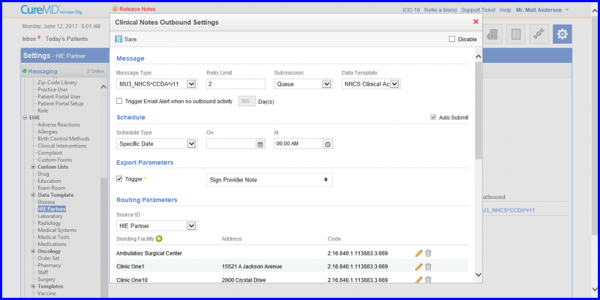
Displayed below is the screen with submission type selected as Real-time.
Successfully submitted outbound messages appear in the message outbound successful bucket.
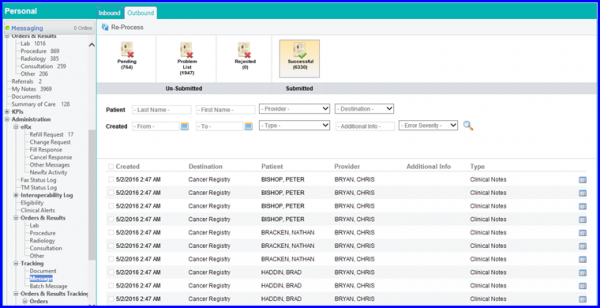
Any messages that are not submitted successfully or for which a required field was missing at the time message was generated, they appear in the problem list.
