How to Edit a Flow Sheet?
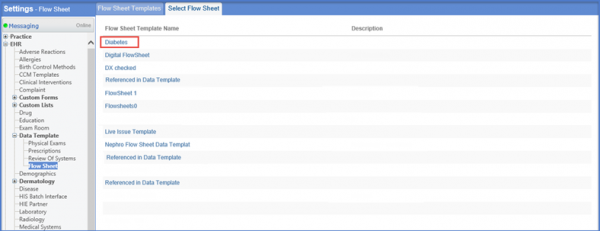
Follow the workflow mentioned above to land on the ‘Flow Sheet Templates’ screen.
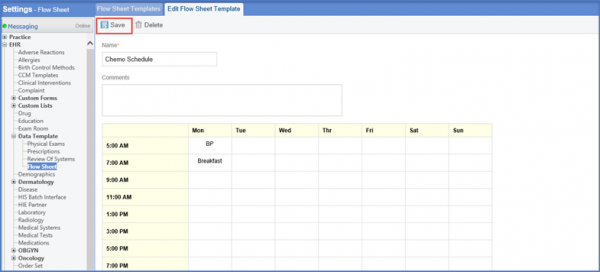
Click the required template to display the ‘Edit Flow Sheet Template’ screen.
Here, users can edit the ‘Name’ and ‘Comments’ sections, along with making other necessary changes.
Click ‘Save’ when done.