How to Add a Flow Sheet?
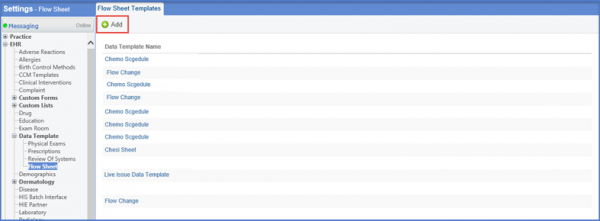
Follow the workflow mentioned above to land on the ‘Flow Sheet Templates’ screen.
Click on +Add button.
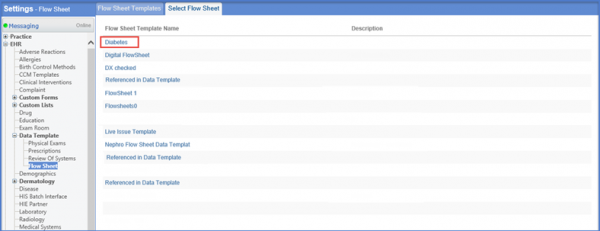
This will display the ‘Select Flow Sheet’ tab with list of templates.
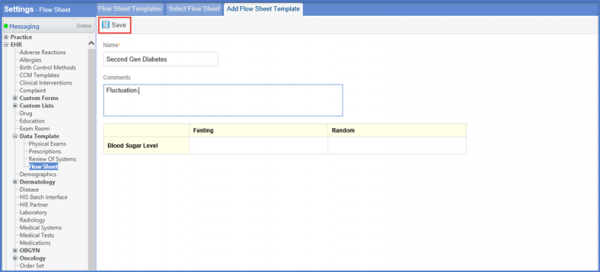
Click on the required template. This will display the ‘Add Flow Sheet Template’ form.
Enter the name, required comments and other necessary content.
Click ‘Save’ once done.