How to Add a Disease Profile?
Follow the workflow mentioned above to land on the ‘Disease Profile’ page.
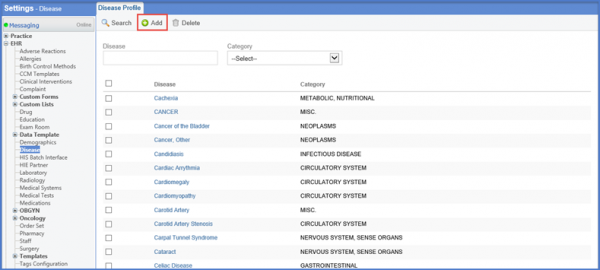
Click ‘+Add’ to display the ‘Disease Profile’ screen.
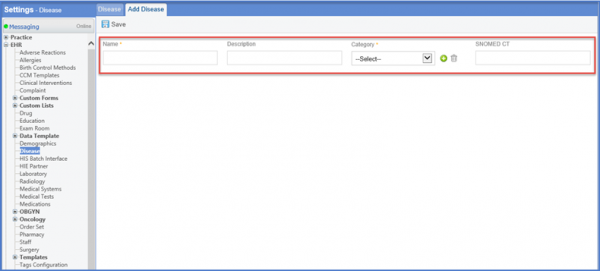
Enter the Name and Description along with the Category using the drop down menu.
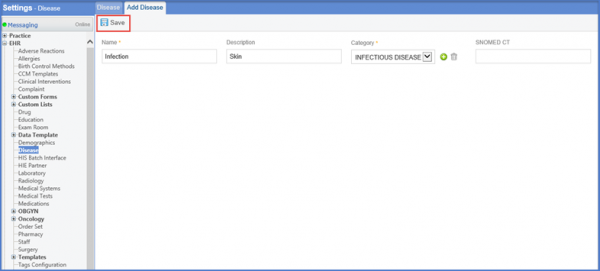
Click ‘Save’ once done.
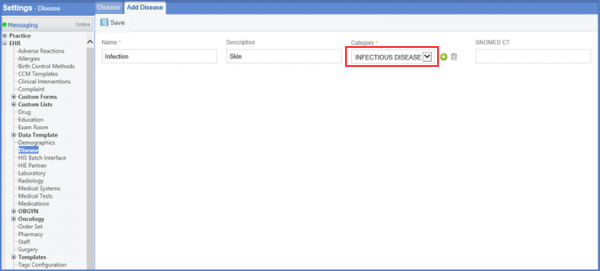
The character limit for the category field has been increased from 30 to 50 on disease page.
The required information is accurately reflected on the ACOG report.