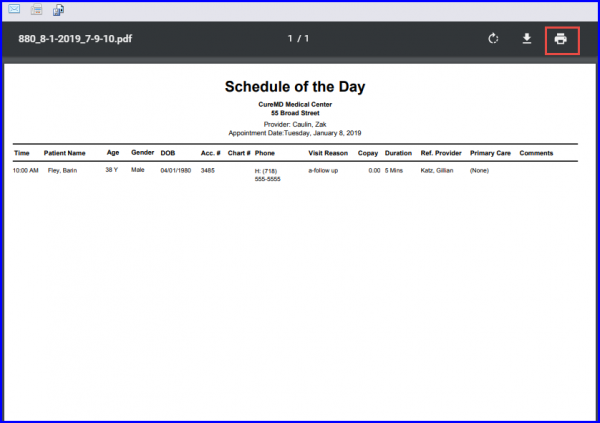
How to Print Scheduler Reports?
A Provider can print Daily, Weekly, Multiple and Chain Scheduler / Reports by clicking on the ‘Print’ button in the respective scheduler view.
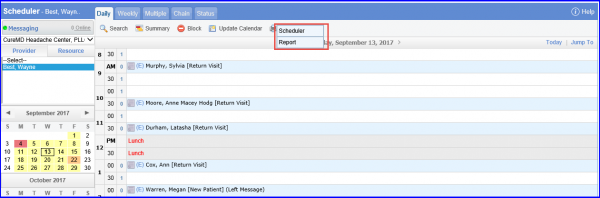
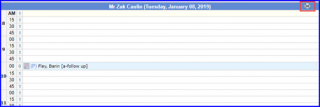
Selecting ‘Schedule’ option opens the “Schedule” in a new window, where the user can click ‘Print’ icon to print the schedule.
Selecting ‘Report’ option opens the “Report” in a new window, where the user can click ‘Print’ icon to print the report.