How to Globally Update a Reason Based Calendar?
Global changes override all other partial changes that were made to a schedule before.
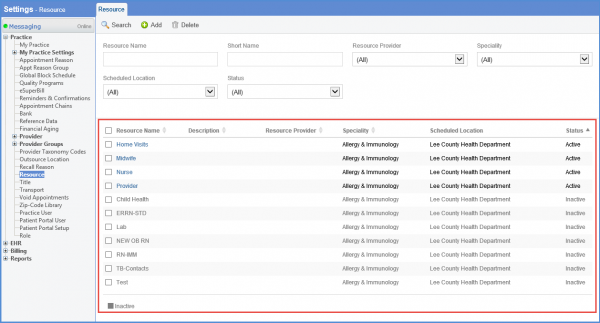
To make a global change, follow the workflow above to land on the “Resource” / “Provider” screen and select an active Resource / Calendar.
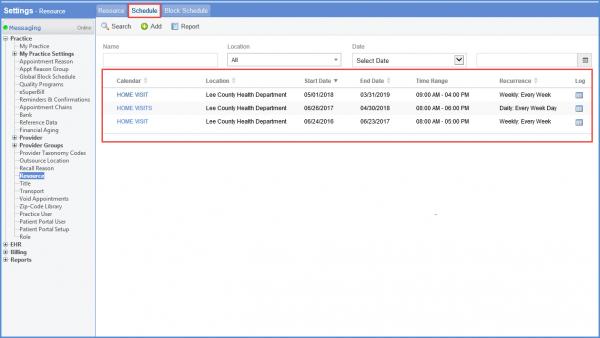
From the “Schedule” tab, select a schedule.
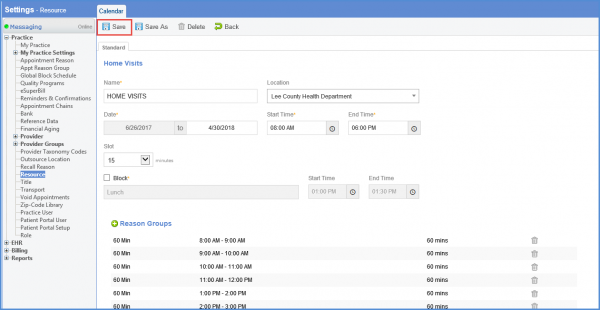
Here, make desired changes to the calendar and click ‘Save’. If user clicks ‘Save’ without making any changes, all partial changes made before are overridden and the calendar reverts back to original state.