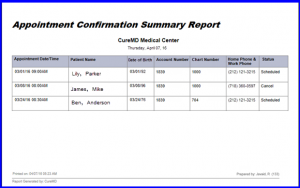
What is an Appointment Confirmation Summary Report?
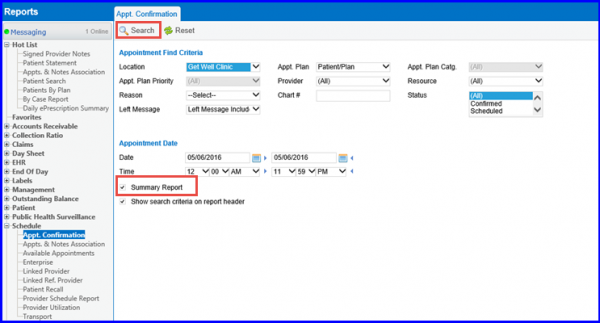
Users can generate a summary report for appointment confirmations. Follow the above mentioned workflow to land on the ‘Appt. Confirmation’ screen.
Enable the ‘Summary Report’ checkbox and click ‘Search’.
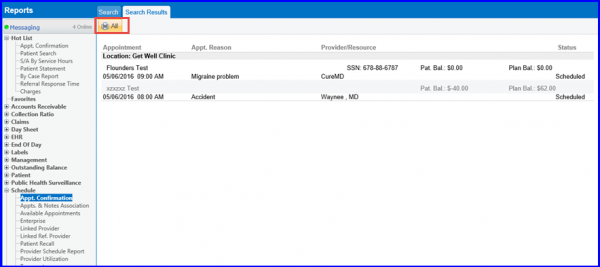
The ‘Search Results’ screen will be displayed containing the search results.
Click on ‘All’ to open the ‘Summary Report’.
The summary report opens in a new tab and also contains Chart Number and DOB of patient.