How to Select Multiple Locations For a Linked Provider Report?
A ‘Linked Provider’ is a provider who has been attached to a resource.
A Linked Provider report displays the resources’ appointments with regards to his/her attached linked provider.
Follow the above mentioned workflow to land on the ‘Linked Provider’ screen.
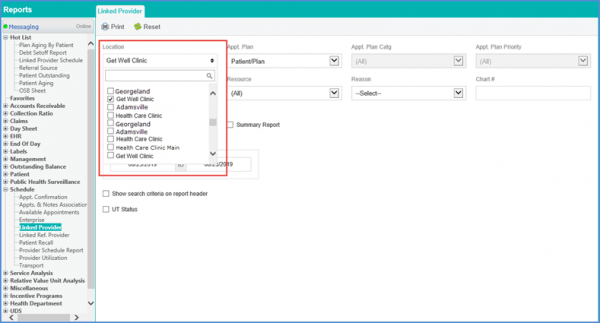
Users can select multiple locations from the ‘Location’ drop down menu.
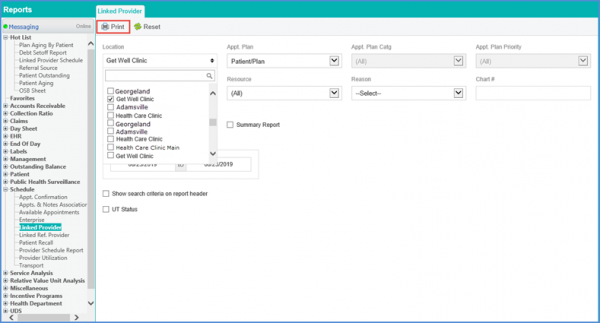
Once selected, click the ‘Print’ button.
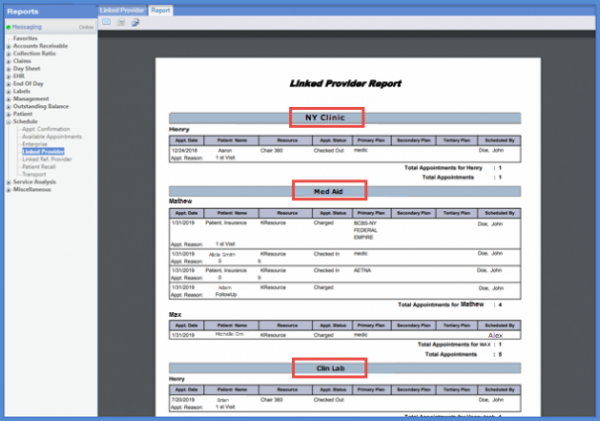
The printed report contains records for linked providers at multiple locations.