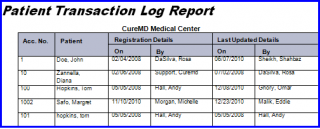
What is a Transaction Log Report?
This report is useful in listing all patients which were registered or last updated by any specific user during a given date range. This can be used to track the activity of front desk operators, or to track all patients registered within a specific date range.
Follow the workflow above to land on the ‘Transaction Log’ screen. Users can either search for patients at ‘All’ practice locations, or select a specific location from the drop-down menu.
A search can be implemented to track patient registration activity for a specific date range by entering the start and end dates under ‘Registration Criteria’ or ‘Last Updated Criteria’, as required.
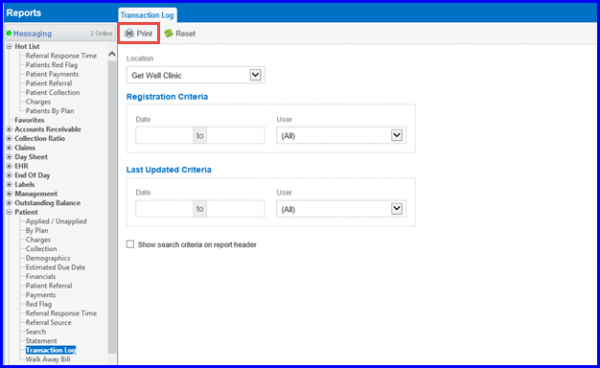
Click ‘Print’ to view report indicating dates of registration and ‘Last Update’ for all patients within the designated search criteria.