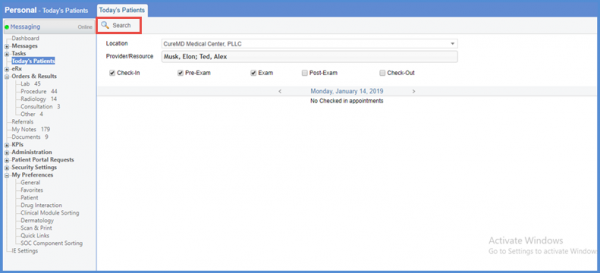
How to Search for Patients?
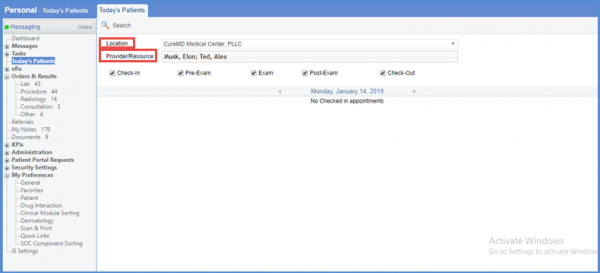
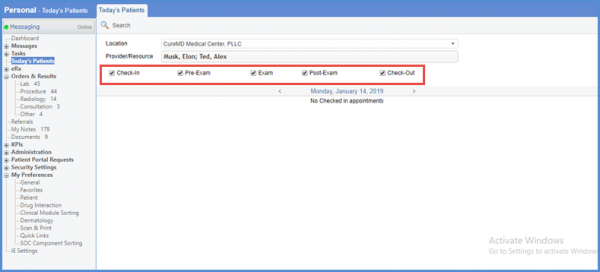
Checking the check-boxes with Check-in, Pre-Exam, Exam, Post-Exam and Check-out options, user can search the Today’s Patient. User is required to enable at least one option from this list before searching.
After selecting options, on clicking the search button under Today’s Patients tab user can see the checked in appointments list.