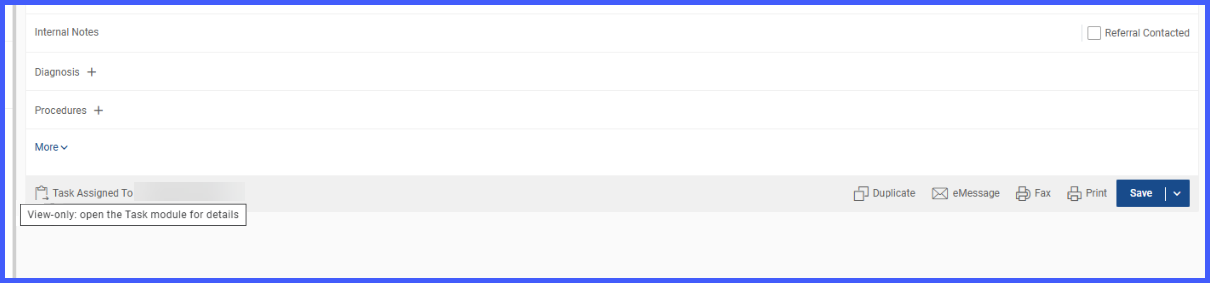
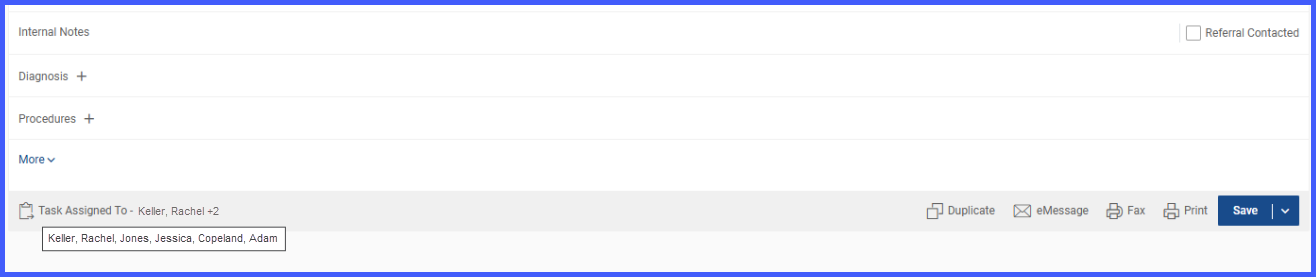
Ability to Assign Task for a Referral to Myself or Specific Users
The user navigates to the Referral page and the ‘Assign’ button is renamed to ‘Add Task’. On clicking the ‘Add Task’ button, an overlay is displayed to select assignees for the task.
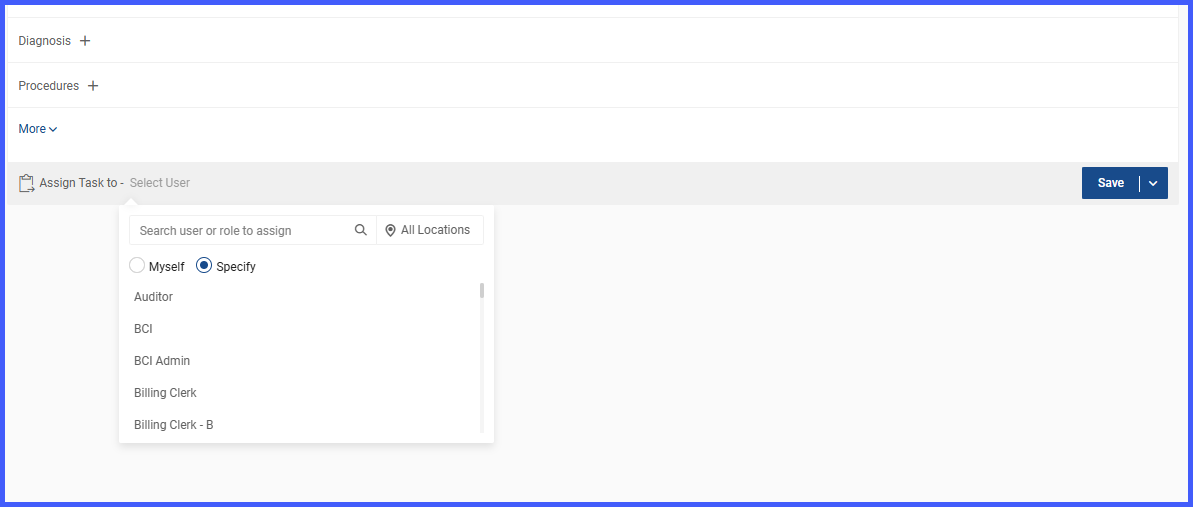
The users can search for other practice users when the ‘Specify’ option is selected. If user selects ‘Myself’, no other assignee can be added.
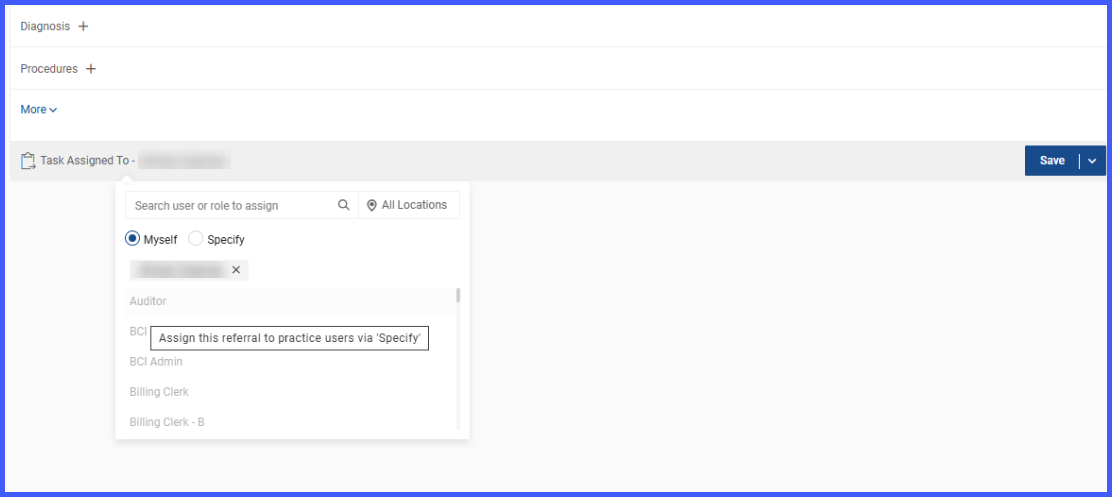
Only the creator of the task can edit the assignees. Other users can only view the assignees of the task.