How to Manage Patient Registration Requests?
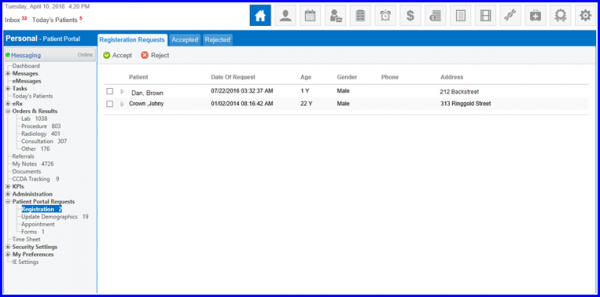
Follow the above mentioned workflow to land on ‘Registration Requests’ tab.
When a patient sends the registration request, user has the option to accept or reject it. User can select the patient by marking the checkbox against the patient’s name and then click ‘Accept’ or ‘Reject’ button to perform the desired action.
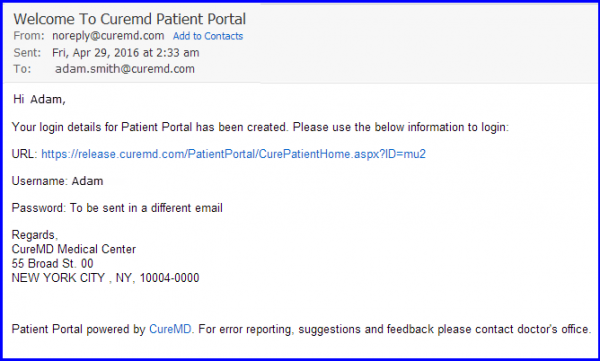
The specific patient receives response of the registration request and the username/password via email on their personal email address.
User can manage patient portal requests for updating demographics information. To know how it is done, click here.
Also, patient appointment requests are managed by the user. To know more, click here.
