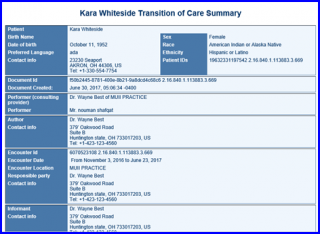
How to View Errors and Summary of Care via eMessage?
Error count is displayed on top right corner of the document.
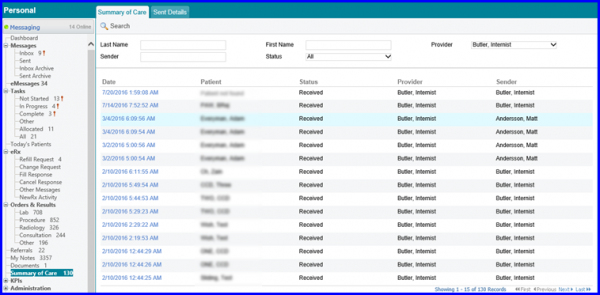
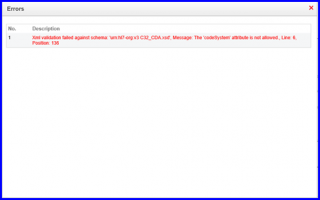
Click on the error link to view details of the errors.
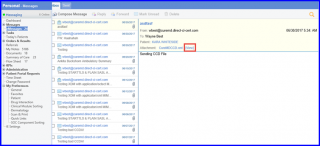
Users can also view Summary of Care document via eMessages, directly.
Navigate to eMessages and open any message that has a Summary of Care document attached to it. Click on View.
Users can also view Summary of Care document via eMessages, directly.
Navigate to eMessages and open any message that has a Summary of Care document attached to it. Click on View.
Once the user clicks on View, the Summary of Care document is displayed in a new window.