How to Share a Provider Note?
- Fax Note:
Once the provider note is signed, it can be sent to different practice users with the help of Fax option.
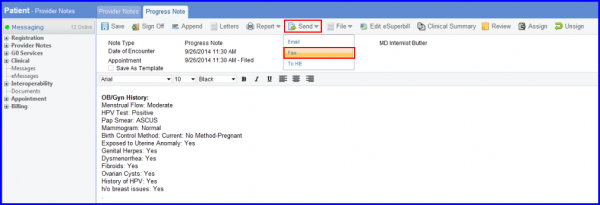
Clicking on the Fax option will open up a Print Options tab. The contents can be customized by attaching documents, labels and lab results to the final print.
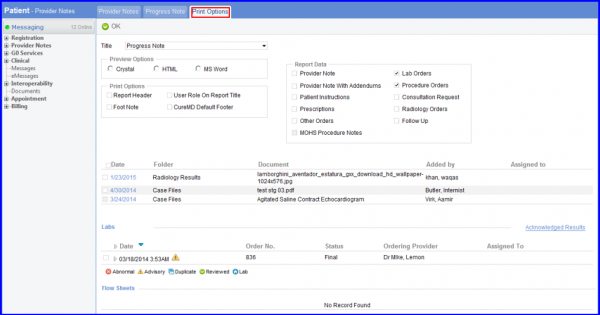
Certain sections of the report can be excluded if need be.
- EMAIL Note:
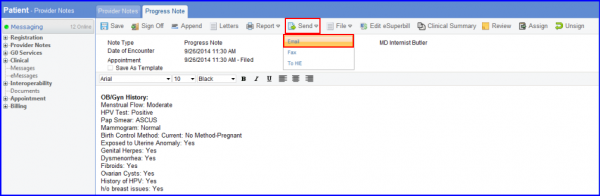
Click on Send button at the top of the Provider Note screen and click on Email option from the drop down menu. This option enables you to send the provider note in the form of an email.
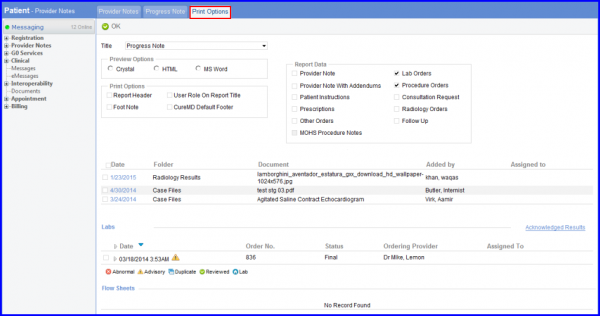
You can see that the Provider Note is attached to the email in the form of a pdf document.
