How to enable Reposition Components and Flags?
A new feature has been introduced for repositioning of flags and components.
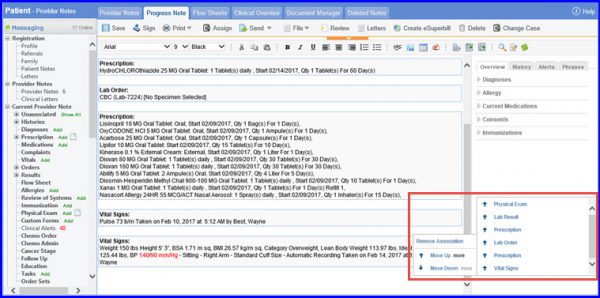
To use this feature navigate to Provider Note. Click on right mouse button. This displays an option for repositioning of components and flags.
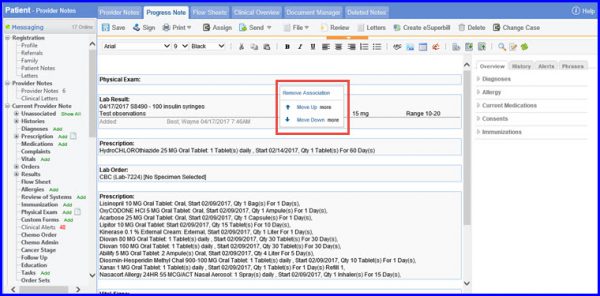
Click on Move Up, the selected component will be repositioned above the nearest available component. Similarly, click on Move Down to move the component downwards.
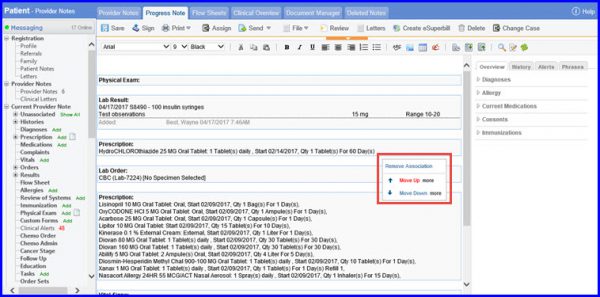
Furthermore, when you hover on the More option, it displays a list of all the components and flags on the provider note. This will reposition the current component directly Above or Below to the selected component.