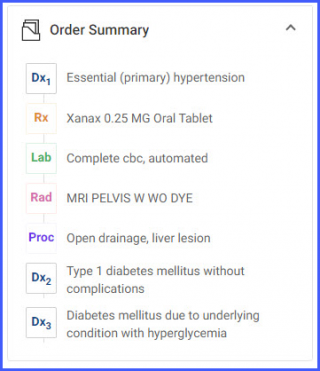
What is the Component Section in the Treatment Plan?
On the right side of the ‘Dx’/’Rx’ screen is an expandable ‘Components’ section.
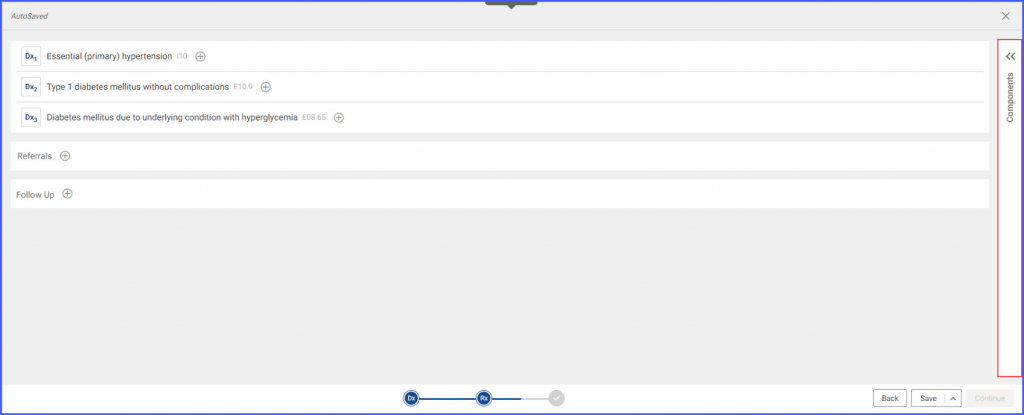
On expanding the Component panel, the following sections appear:
- Encounter History
- Order Summary
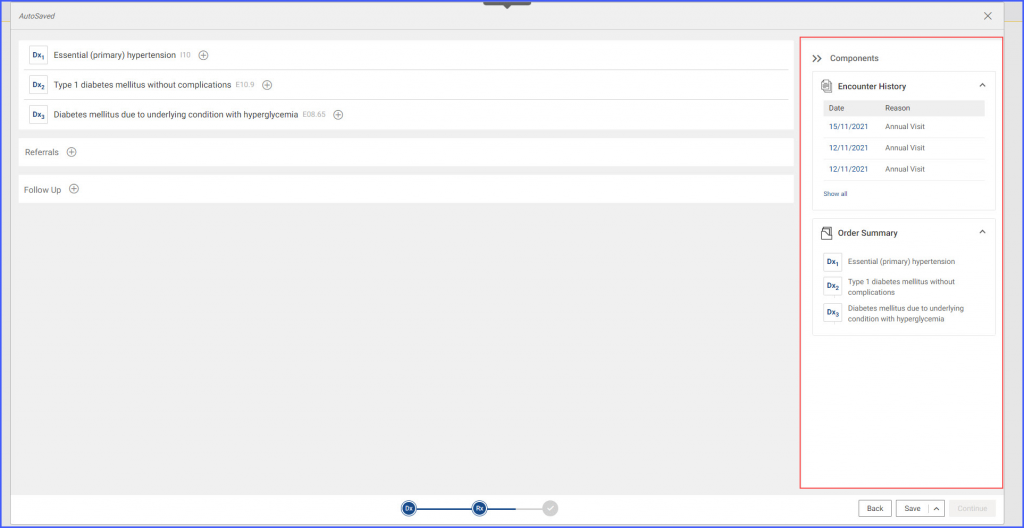
The ‘Encounter History’ section contains a list of the patient’s previous encounters. The view contains the date of the encounter and the visit reason.
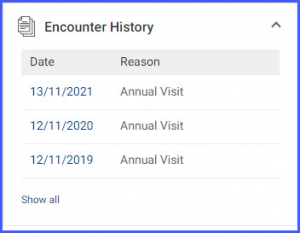
Clicking on a date opens a read-only view of that encounter in a popup.
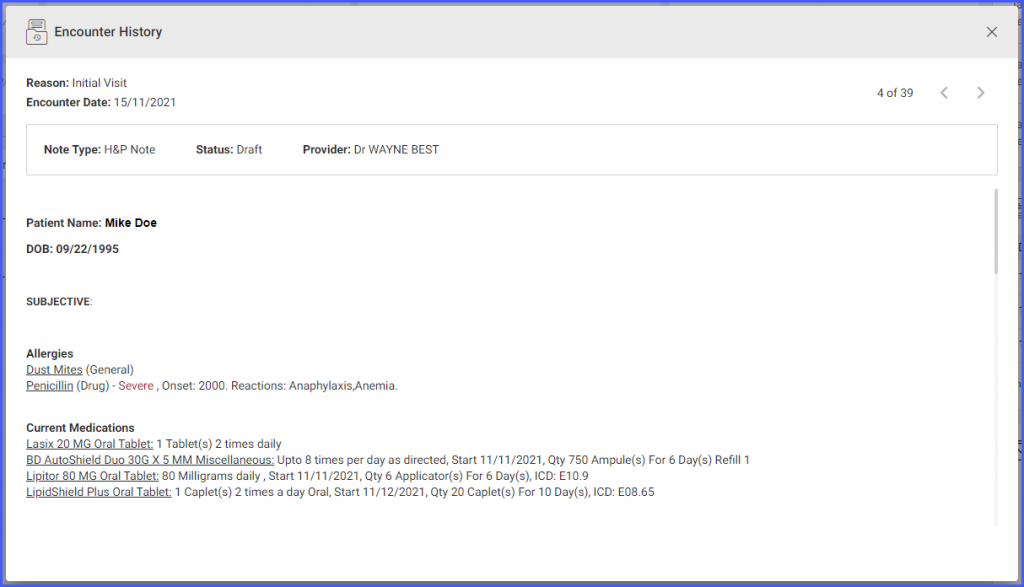
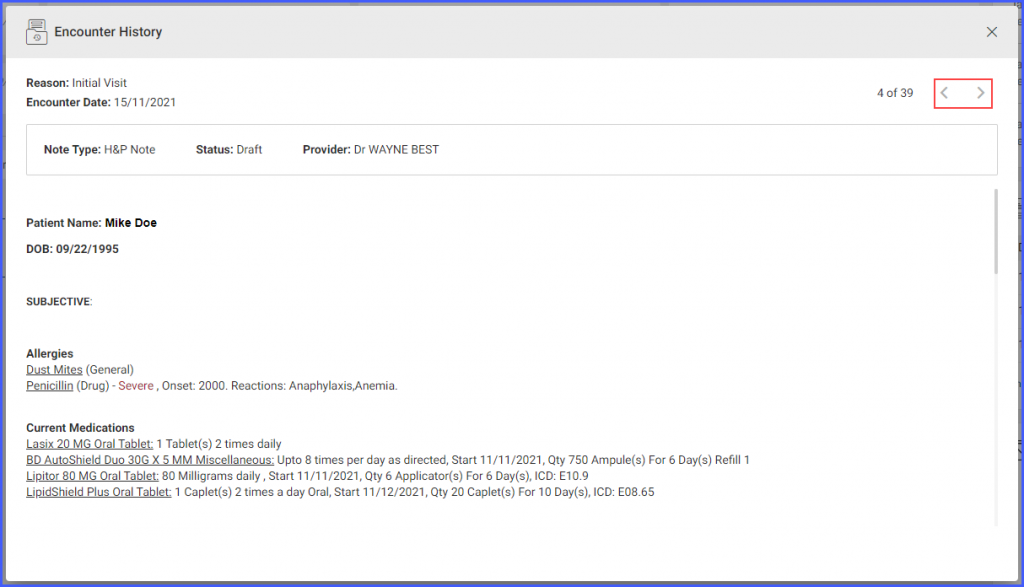
The user can also navigate through the encounter history by using the navigation controls present on the top-right of the popup.
The ‘Order Summary’ section contains the basic summary of the orders attached to the treatment plan. The order summary section is populated as soon as the diagnoses are attached to the treatment plan. When the user starts adding the clinical orders, a summarized view of the orders is also populated in the ‘Order Summary’.