How to Sort Diagnoses Favorite List Alphabetically?
Follow the above mentioned workflow to add a diagnosis in the provider note.
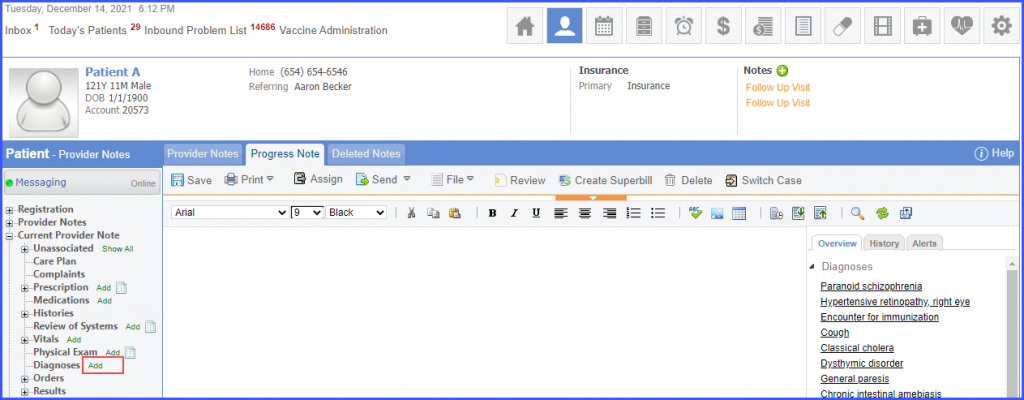
Click ‘Add’ hyperlink next to ‘Diagnosis’ in the left tree menu.
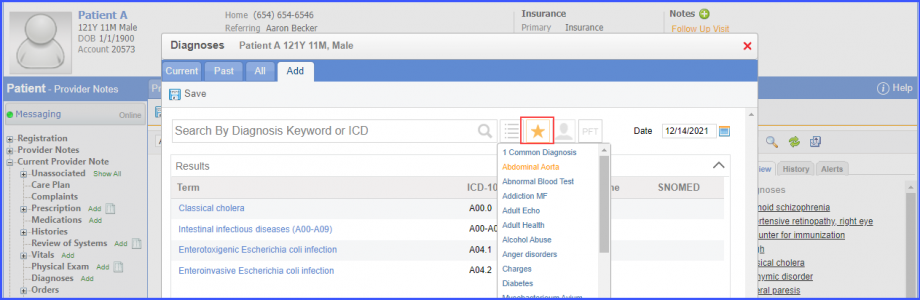
Hover over the ‘Favorites’ icon and select a favorite list.
Click on the column heading, ‘Term’ and the sorting icon is displayed.
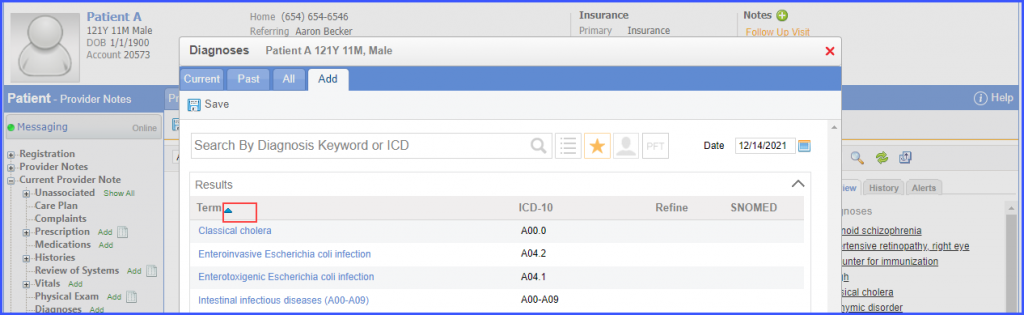
Initially the list is sorted in ascending alphabetical order. Click the icon again to sort the list in descending alphabetical order.
