How to Record Patient Understanding of an Education Document on Provider Note?
Users can record patients’ understanding of the education document while recording it in provider notes.
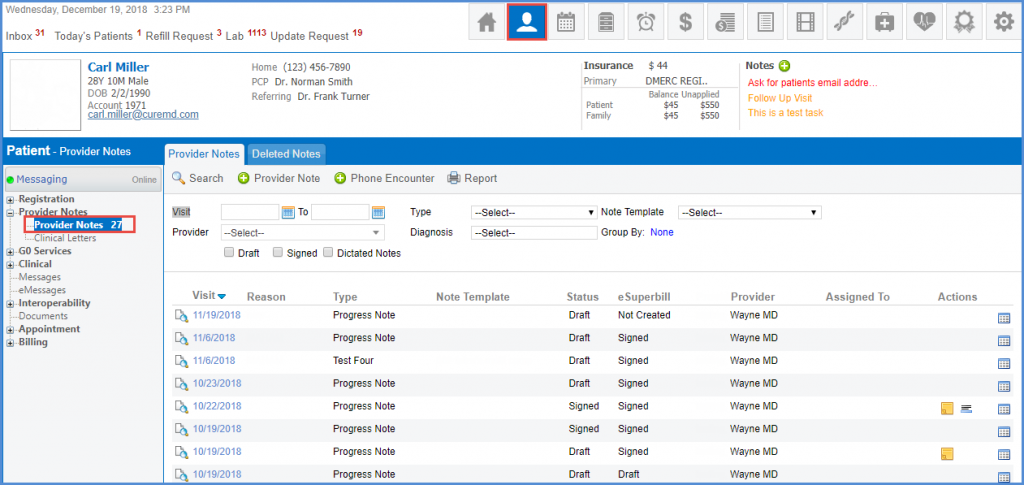
Follow the workflow above to land on Provider Notes screen and select a provider note or create a new one.
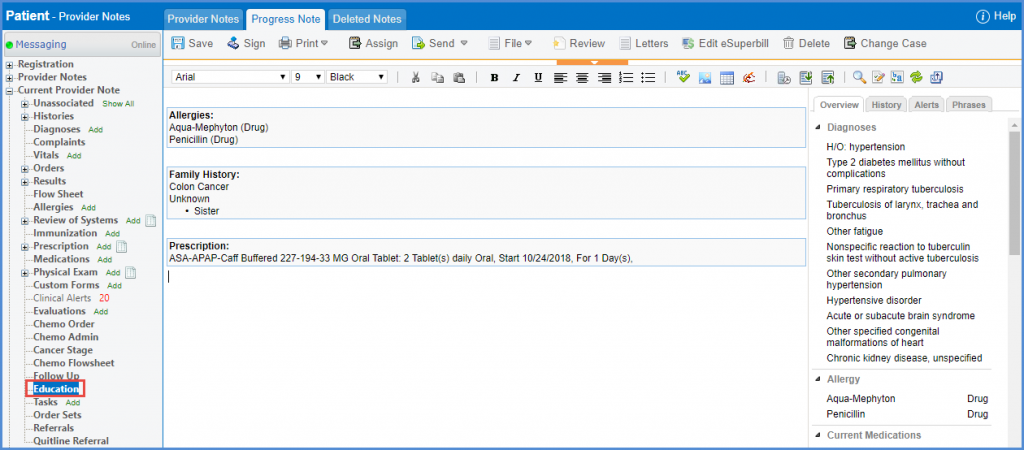
Select Education in the provider note tree menu on the left side of the screen.
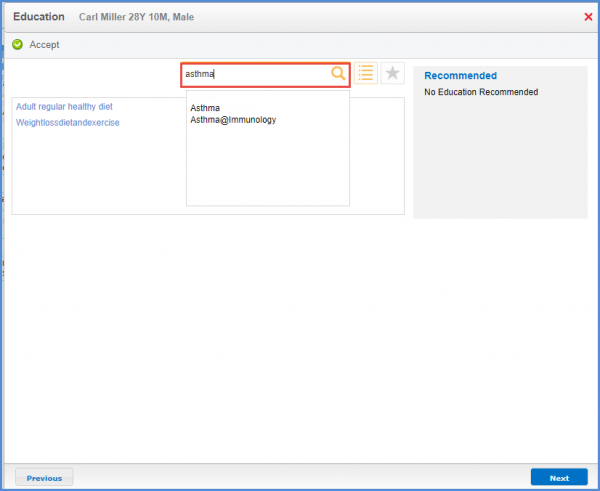
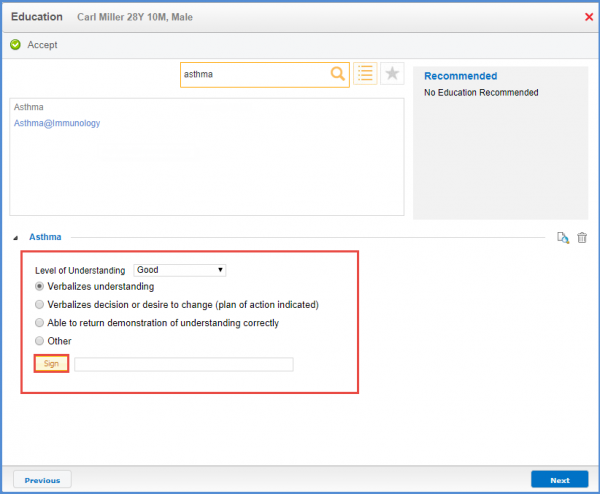
Search for description of the diagnosis and select the education document in the Education pop-up.
Selected document shows up at the end of the popup. Here, users can mark the understanding of the patient.
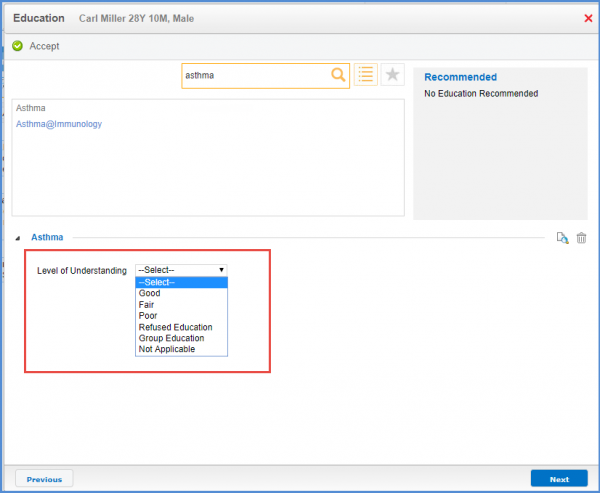
Once selected, more specific options appear. Users can mark the appropriate one and Sign the education. Once signed, click on Next.
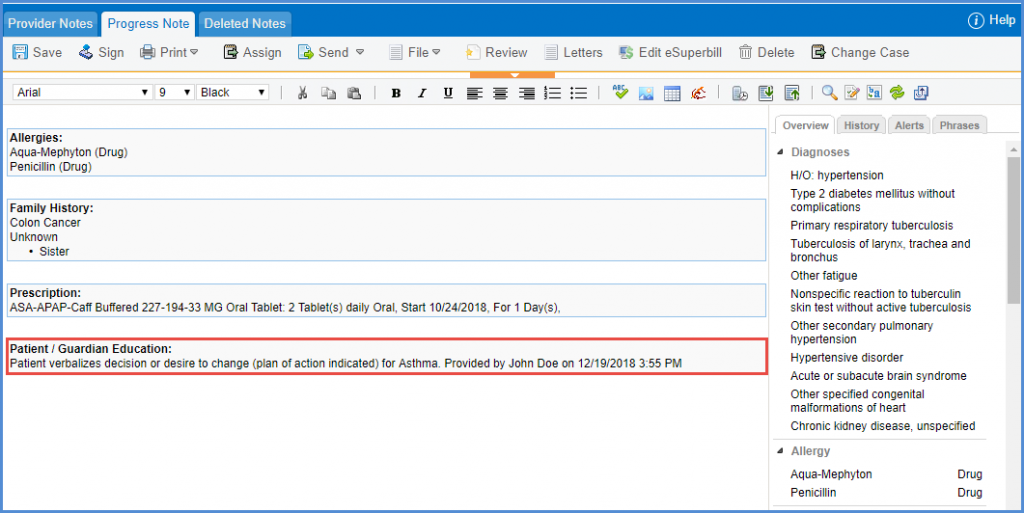
Record of the patient education is added in the Provider Note.
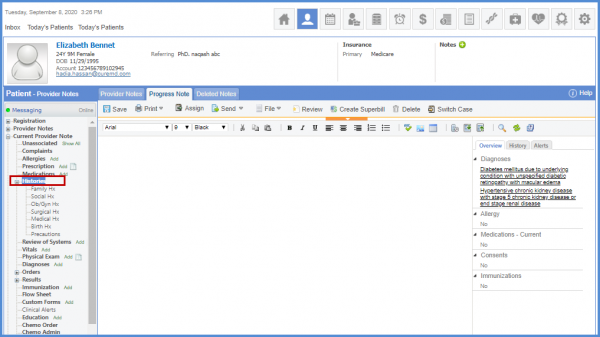
User can add patient OB/Gyn history in the provider notes. Expand histories.
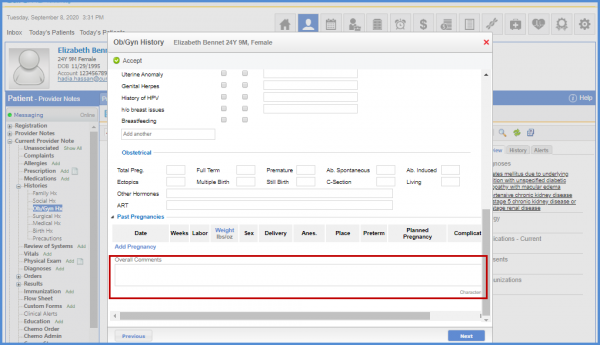
Click OB/Gyn history to view the popup.
Users can add additional patient information in the comment box. 
Similar enhancement is made in audit trail. To view more, click here.
