How to Record Care Plan from Provider Notes?
Follow the above mentioned workflow to land on the Provider Notes edit page.
A component ‘Care Plan’ is added in provider note tree menu.
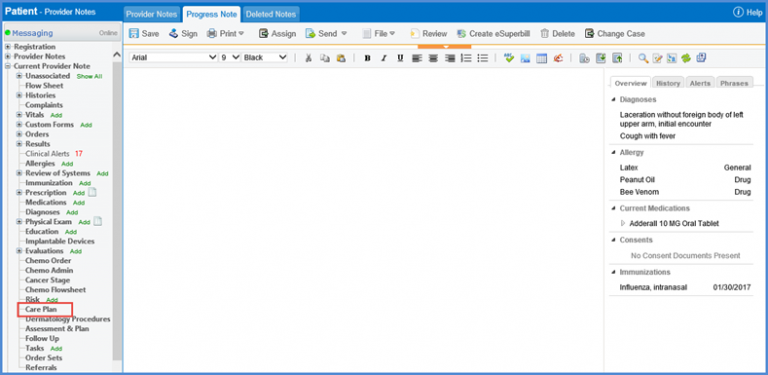
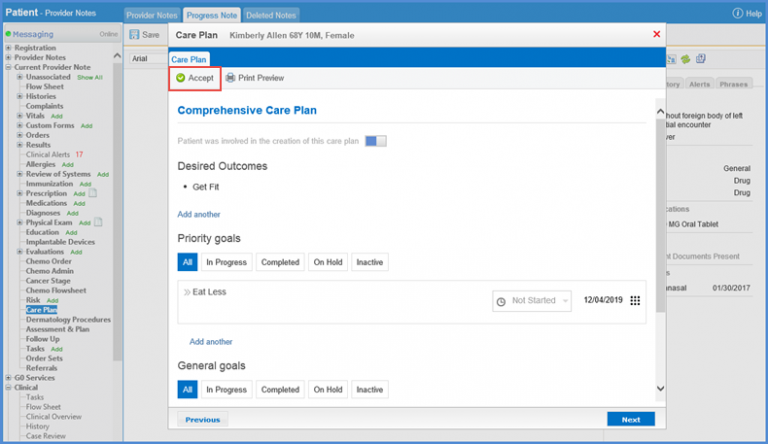
Clicking the component opens the ‘Care Plan’ popup where user can view patient’s care plan and add/edit ‘Desired Outcomes’, ‘Priority Goals’ or ‘General Goals’.
Fill in the required details and click ‘Accept’.
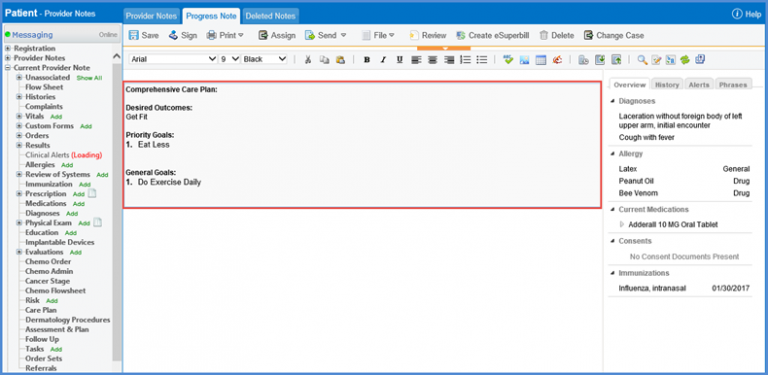
Care plan is populated on the provider note SOAP text.
Flags can be added for ‘Care Plan’ on a note template. To view how, click here.
