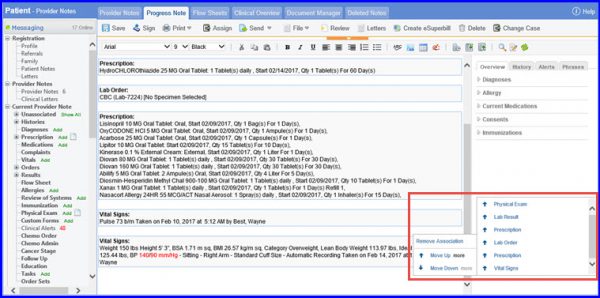
How to Re-position Components and Flags?
To use this option, navigate to the desired provider note using the above mentioned workflow.
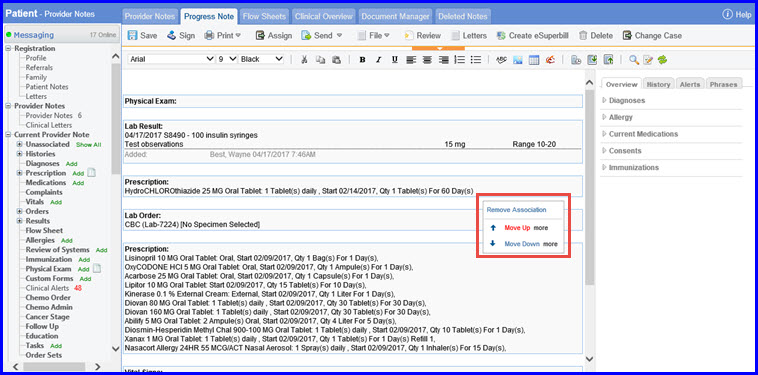
Click on Move Up, the selected component is re-positioned above the nearest available component. Similarly, click on Move Down to move the component downwards.
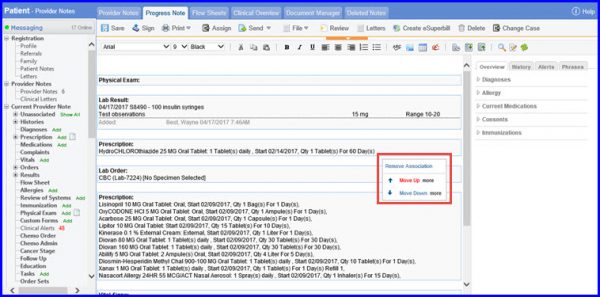
Furthermore, when user hovers on the More option, it displays a list of all the components and flags on the provider note. This re-positions the current component directly above or below to the selected component.