How to Insert Time Stamp on the Provider Note?

Patient  > Provider Notes > Current Provider Note

The user can insert time stamp with different components of the Provider Note.
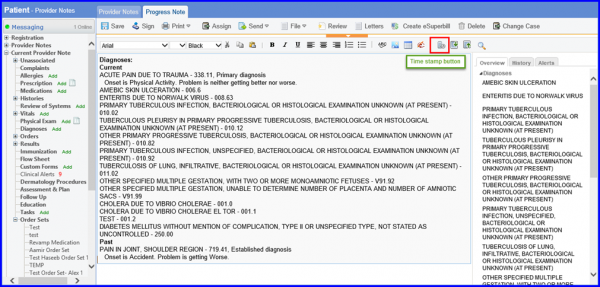
Time-Stamp-button-600x287
Time Stamp button

Click on the blank space on the provider note and a blinking cursor appears.
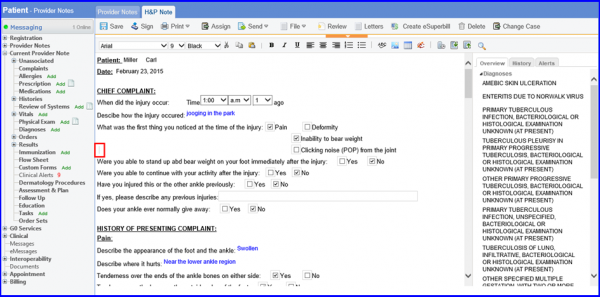
Blinking-Cursor-to-enter-free-text-on-the-provider-note-screen-600x297
Blinking Cursor to enter free text on the provider note screen

When the user clicks on the timestamp icon located on the upper right side, the current date and time is added.
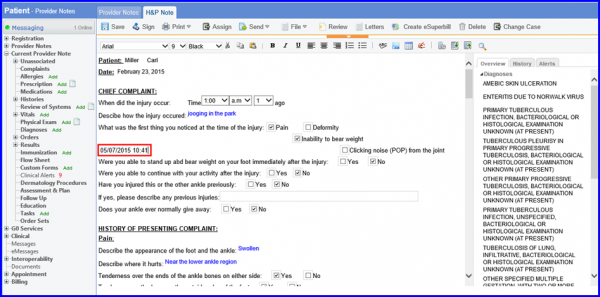
Time-stamp-added-on-the-Provider-Note-screen-1-600x297
Time stamp added on the Provider Note screen