How to Generate Provider Note Report?
In order to print the provider note report, hover over the ‘Report’ button on top of the provider note screen. From the drop-down, select ‘Quick Print’ option.

The ‘Quick Print’ option allows users to view the report and to do ‘Email’, ‘Fax’, ‘Export’ or ‘Search for text’ if required before printing.
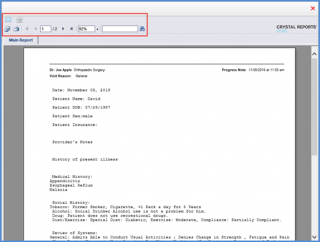
The ‘Print Options’ button allows users to customized print features. To view how, click here.

Once the Clinical Summary is populated, for components that do not have data associated with them displays a message “Not included in this report / available at patient request.”
