How to Sort Custom Forms?
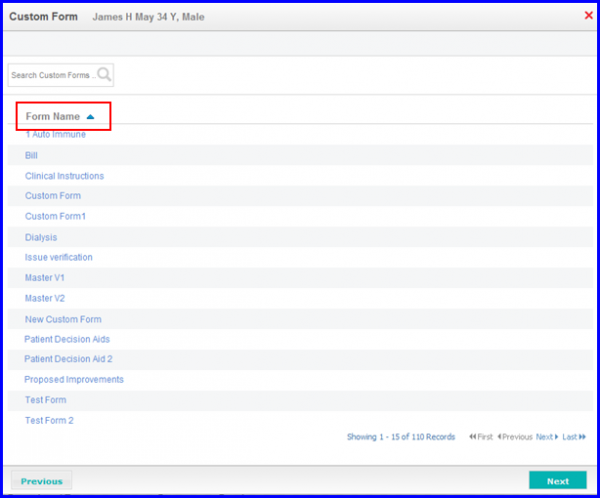
Follow the above mentioned workflow to add a custom form. In the ‘Custom Form’ pop-up, click arrow button ( ) next to ‘Form Name’ column header to sort the list in alphabetically ascending order. Click the button again to sort the list in alphabetically descending order.