How to Add Evaluations on Provider Note?
Users can record interventions, risk assessments and patient screenings directly from a provider note.
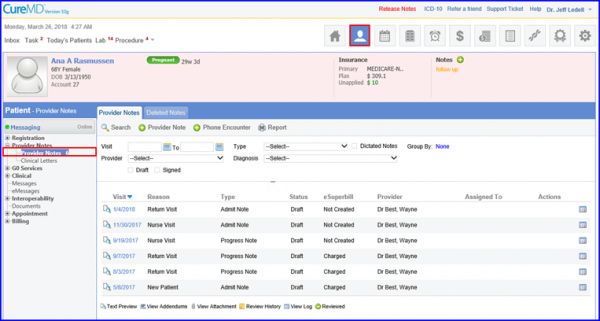
Search and select the desired evaluations and record details against each of them respectively.
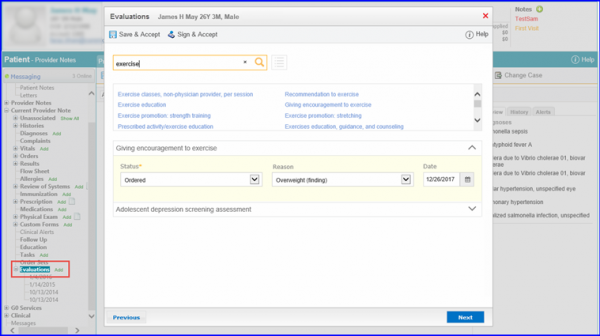
Once all the details have been added, user can click:
- Save and Accept – to populate an editable Evaluation on Provider Note.
- Sign and Accept – to populate the non-editable (final) Evaluation on Provider Note.
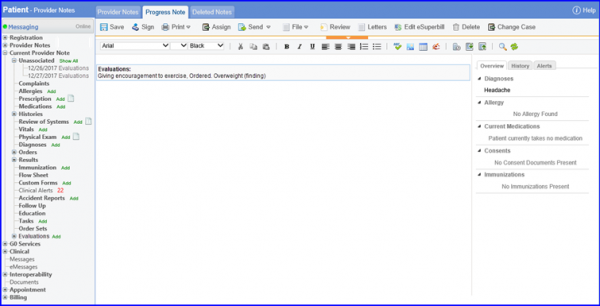
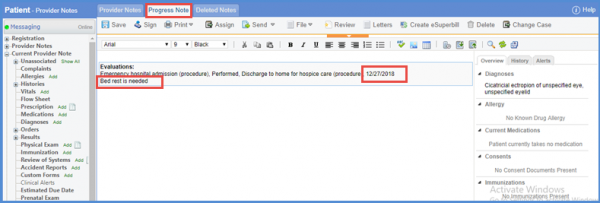
When user adds an evaluation the comment and date are populated in the SOAP text.
It helps in keeping the record of the evaluations.
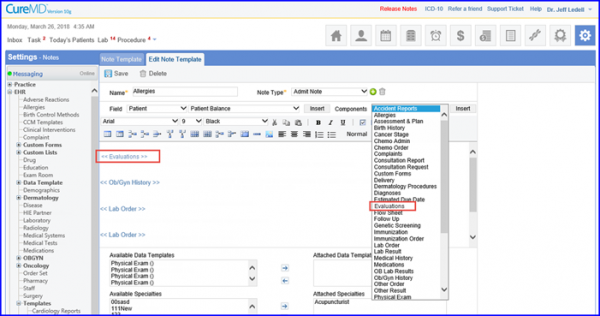
The Evaluations flag can also be added in a Note Template.