How to Add a Physical Exam Template?
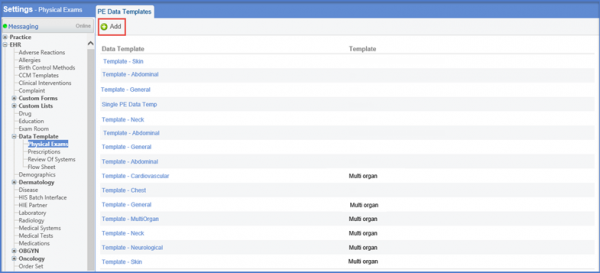
Follow the workflow above to land on the ‘PE Data Templates’ screen. Click on ‘+Add’ button.
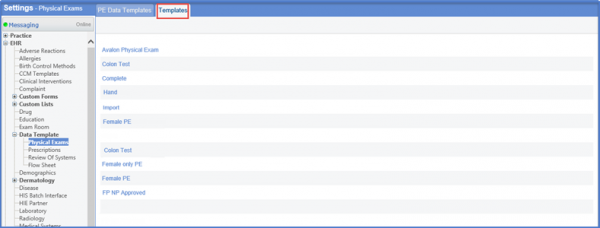
Select the required Template from the list of templates.
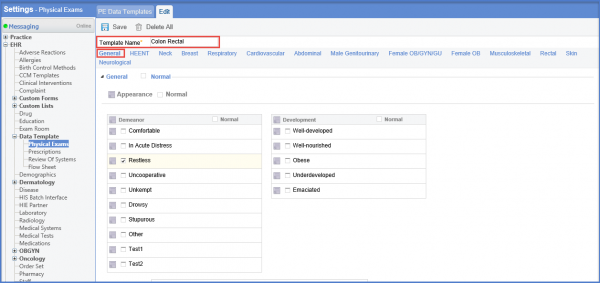
Once done, Enter the Template Name and select the category by clicking on the option provided below the Template Name field.
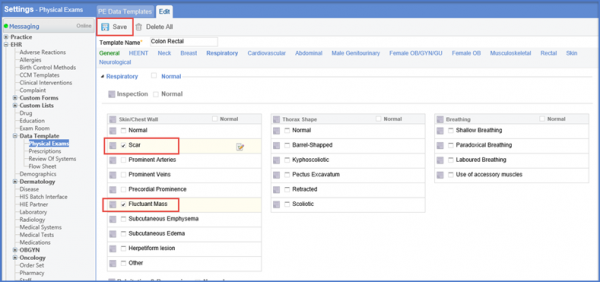
Select the check boxes next to the condition. Click ‘Save’ once done.