What are Received Results?
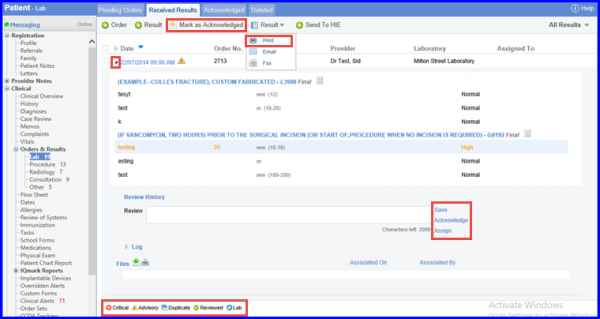
This page lists all lab results received which are yet to be acknowledged by a user. To view the lab result, click the sign next to date of result. While viewing the result, a user can enter and save their review comments, acknowledge the result, or assign this result to another user.
A result can be moved to the Acknowledged section anytime by clicking “Mark as Acknowledged”. Legend on the Received Results consists of the following items: Abnormal, advisory messages, duplicate result, reviewed and lab.
The result can be printed by selecting ‘Print’ option from result drop-down menu. User can also email a result by clicking on ‘Email’ button.
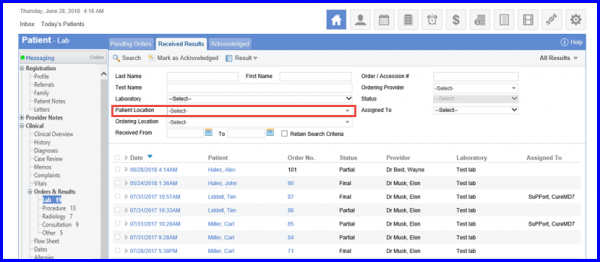
In addition, the Location drop down has been renamed to ‘Patient Location.’
Users cannot Save or Acknowledge a lab result until all mandatory fields are filled.
This ensures that proper information is added against the result in the system.
When the user is manually adding a lab result, the system does not let the user save the result until all mandatory fields are filled. All the mandatory fields have asterisk next to their fields.
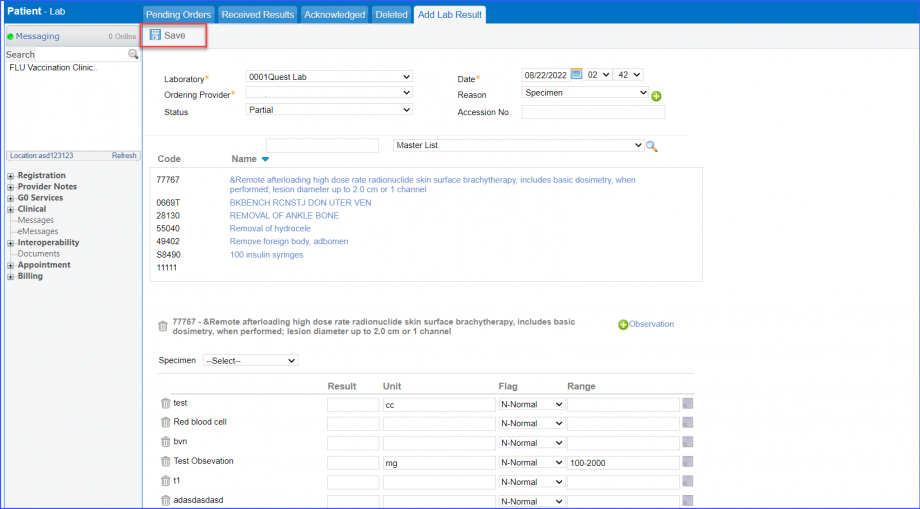
The system displays an error prompt if user tries to save lab results without filling mandatory fields.
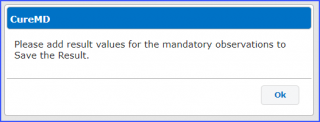
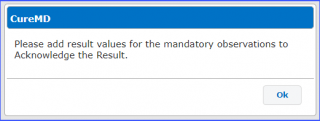
Similarly, the user can not acknowledge a lab result until all mandatory fields are filled.
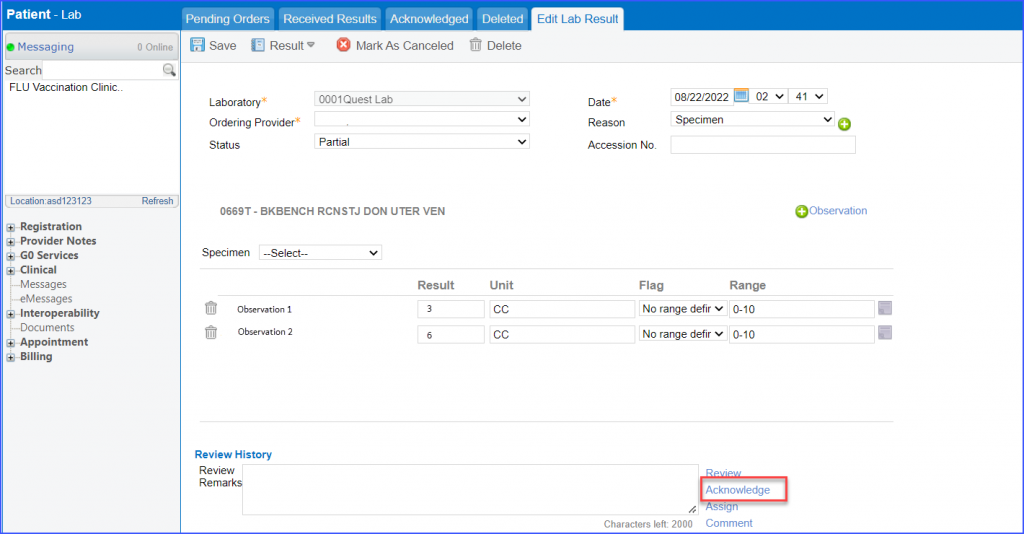
The system displays an error prompt if user tries to acknowledge lab result without adding all mandatory fields.