How to Print Other Order Requisition Report?
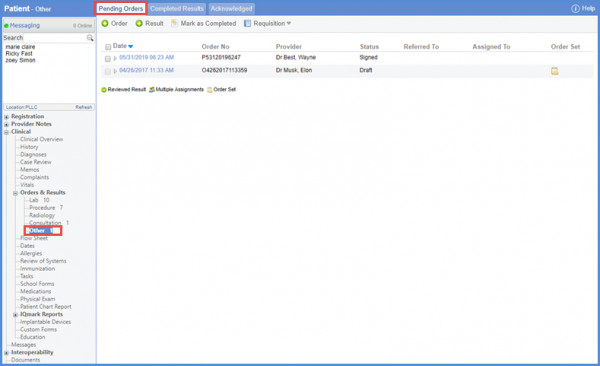
Follow the workflow mentioned above to land on the ‘Pending Orders’ tab.
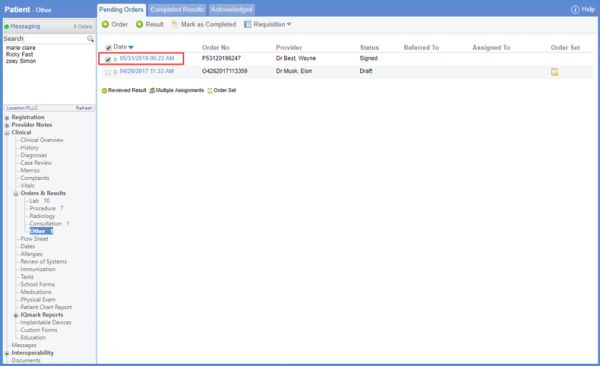
Then, mark the checkbox against the date to select the order.
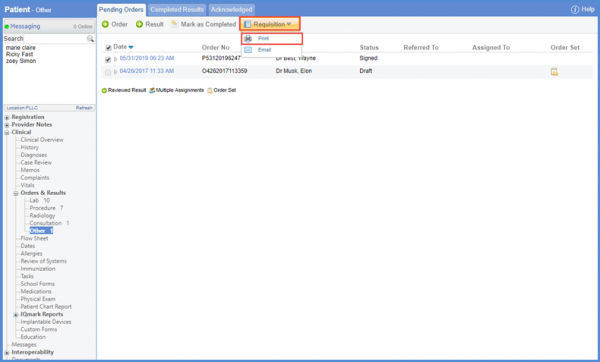
Hover over the Requisition ‘ ‘ button and select the ‘Print’ option from the drop down to generate the report.
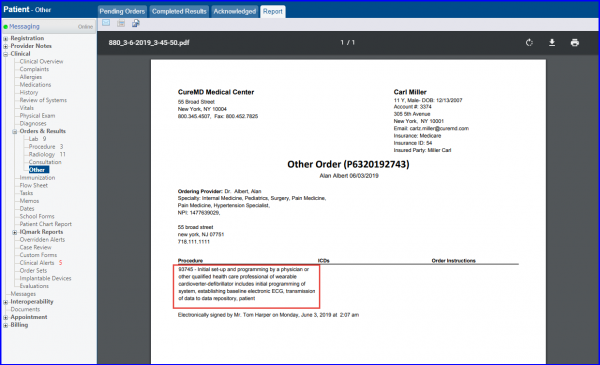
Users can view the CPT codes printed before their respective procedures on ‘Other’ order requisition report. The Requisition Report shows the CPT codes along with their procedure names.