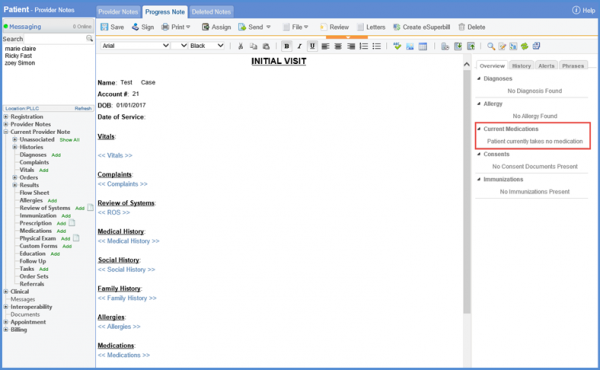
What is Medication History?
The user can view the medication history by following the above mentioned workflow and landing on the ‘Medications’ tab.
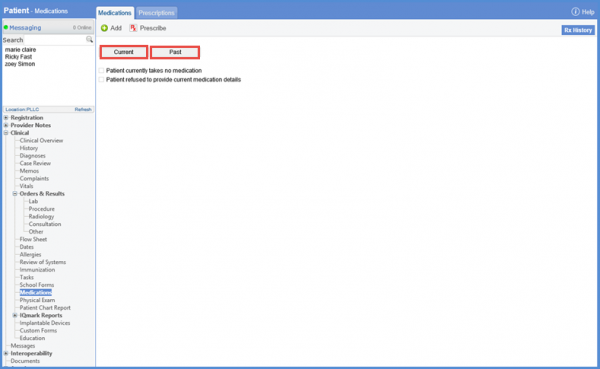
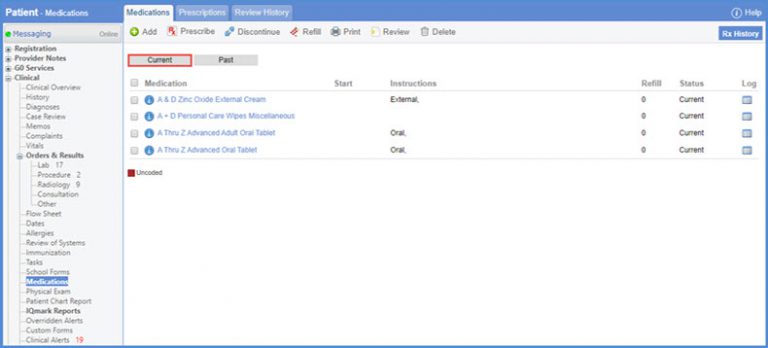
To view the medications currently prescribed to the patient, click ‘Current’ button.
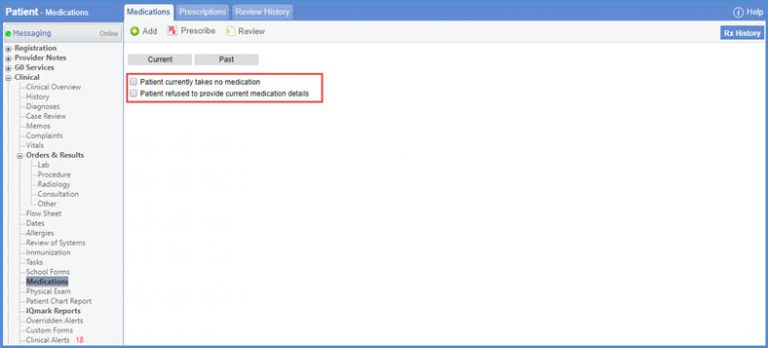
If a patient is not taking any medication, the reason for not recording medication can be recorded by marking the checkbox ‘Patient currently takes no medication’ or ‘Patient refused to provide current medication details’.
Click the ‘Past’ button to view medication taken by the patient in the past.
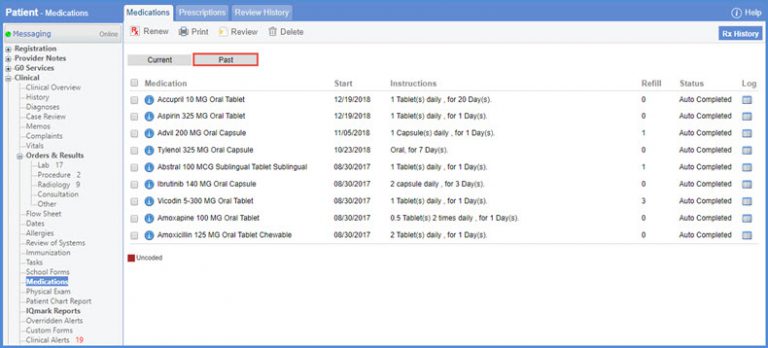
This helps the provider to determine the best course of action accordingly.
By following the workflow, Patient > Provider Notes > Add/Edit Provider Note medication component is dragged onto provider note, where the SOAP text is also updated accordingly.