How to Add Current Medication?
Following the workflow user can see the ‘Medications’ screen.
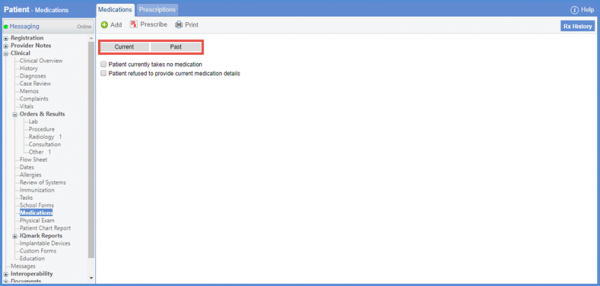
If the patient is already taking medications, the active medications are listed under the ‘Current’ tab.
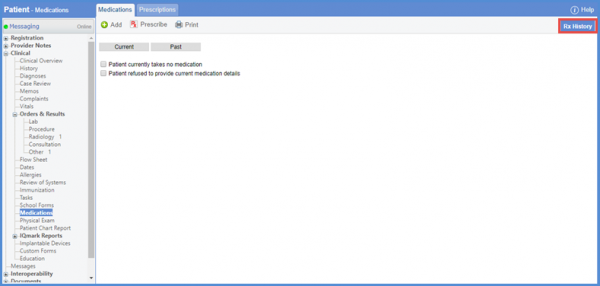
Click the ‘Rx History’ button, to view patient’s medication history.
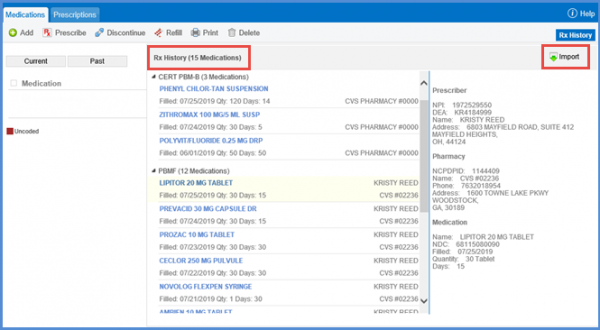
Patient’s PBM is contacted and patient’s past history of 2 years is retrieved from the record. Click the import button to import patient’s medication history.
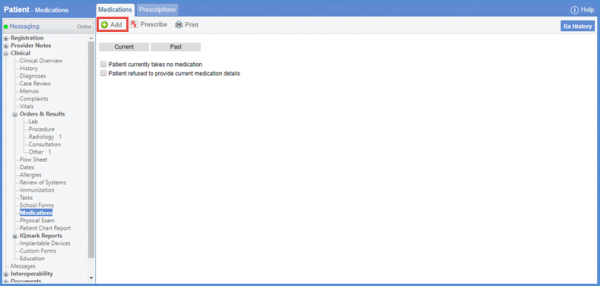
User can add a medication by clicking the ‘Add’ button.
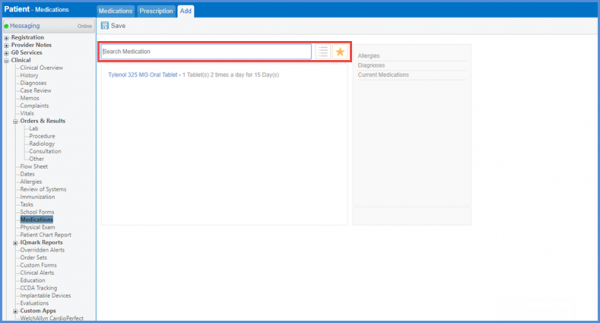
User is navigated to the “Add” screen. Search a medication or select from the hotlist.
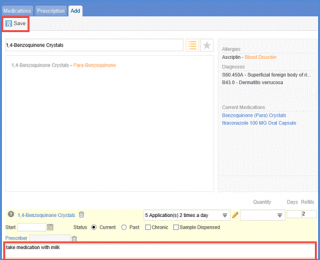
When the medication is selected, the associated instructions are auto-populated in the ‘Patient Instructions’ field. Add the Sig details and Start date and click the ‘Save’ button.
User can also add a prescription for a patient. To know how to do this, click here.
