How to Add Implantable Devices?
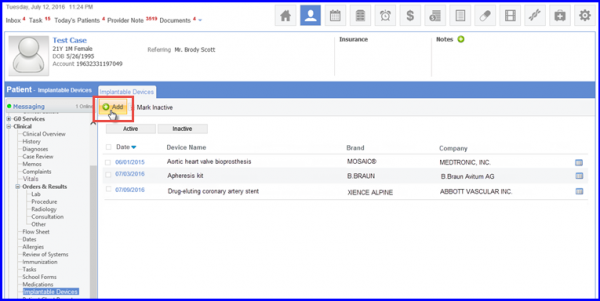
To add a new implantable device, follow the above mentioned workflow to land on the ‘Implantable Devices’ screen.
Click the ‘+Add’ button.
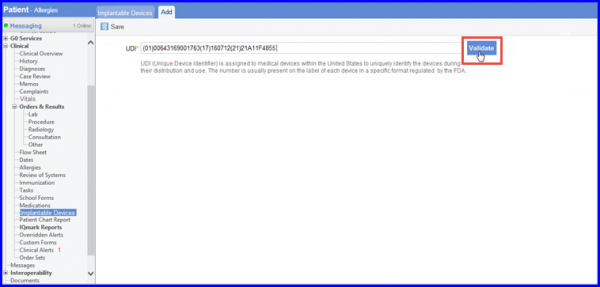
Enter the Unique Device Identifier and click on Validate. The UDI is usually present on the label of every Implantable Device.
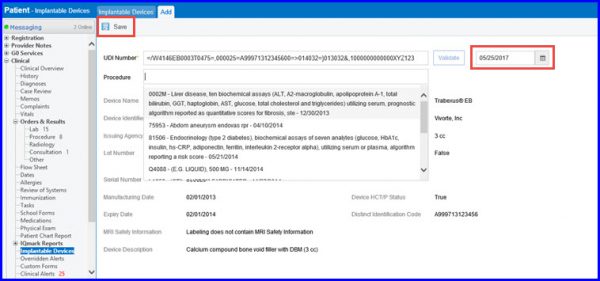
System gets the device information and displays it to the user. Now associate the corresponding Procedure(if any) for this implantable device from the list of all Procedures and completed Procedure Results.
To add Date of Implant, click on the calendar icon and select the desired date.
When done, click on Save. The Implantable Device is added to the list of records.