How to Assign Immunizations?
This feature allows users to assign an immunization to a different practice user. Follow the above mentioned workflow to land on the ‘Immunization Chart’.
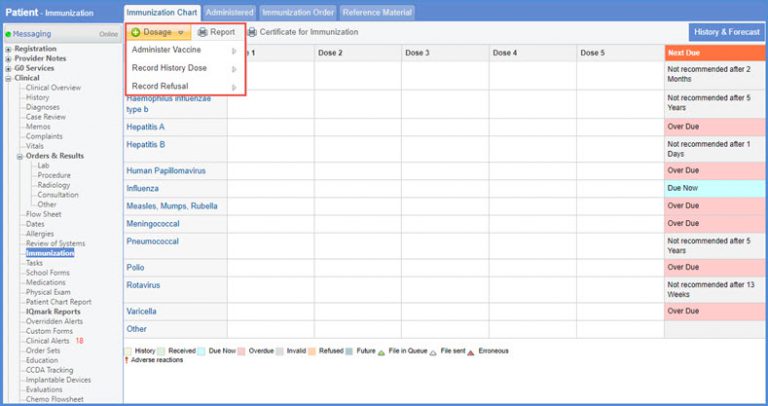
Hover on the +Dosage button to display the dropdown menu.
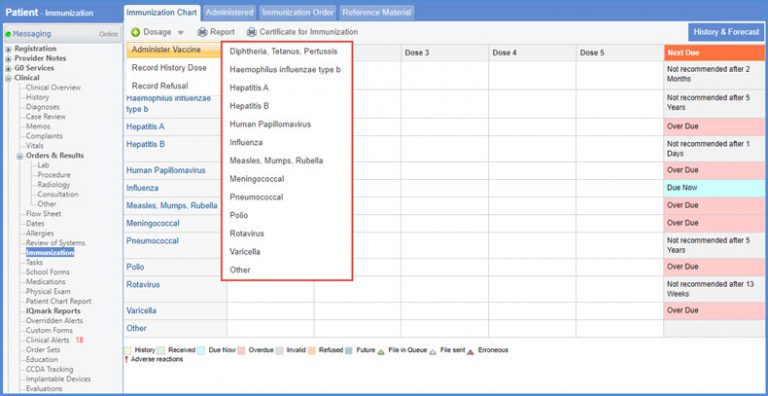
Hover over ‘Administer Vaccine’ to display the dropdown menu.
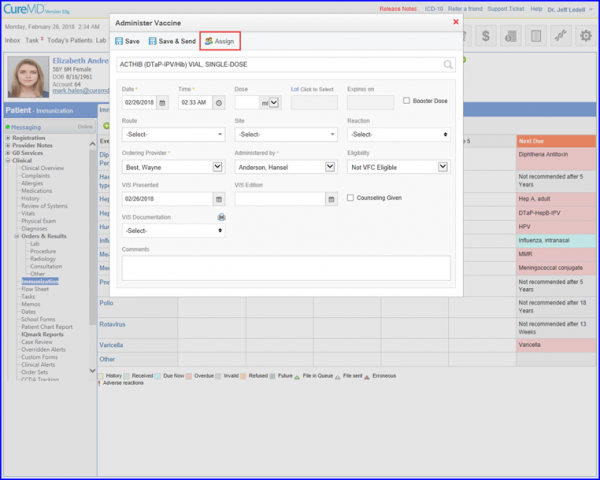
The ‘Administer Vaccine’ will popup. Click ‘Assign’ button to associate an administration order to a practice user.
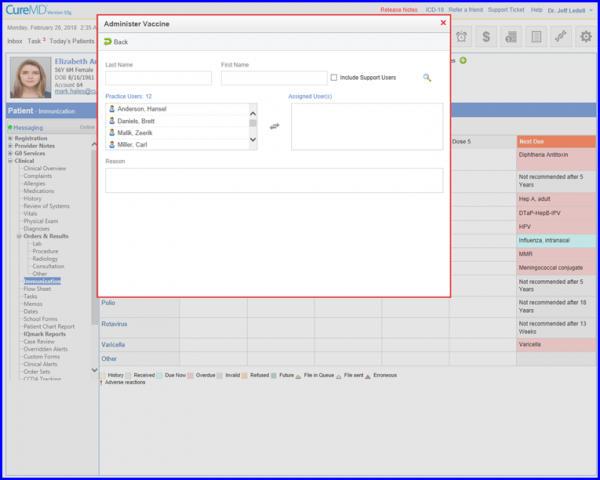
Search/Select Practice users and map them in the assigned user column.