How to Edit Sig Details?
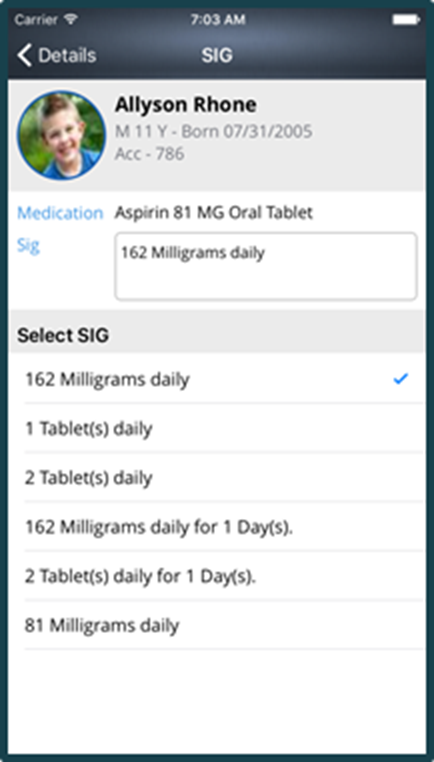
To add a new sig, click on the drop down button alongside the sig and click the ‘Add another sig’ option. Here, users can add new sig details and save them.
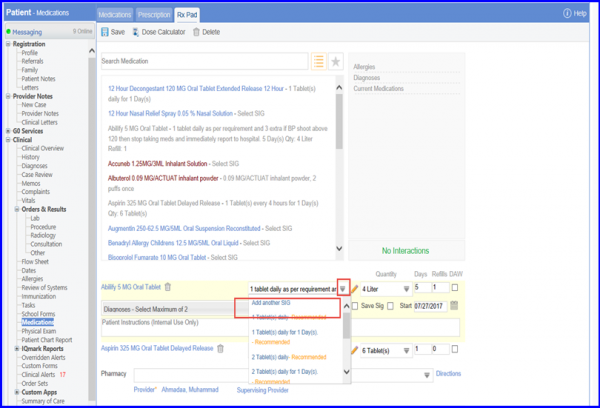
To add a new sig, click on the drop down button alongside the sig and click the ‘Add another sig’ option. Here, users can add new sig details and save them.

Posted On: Aug 26, 2026
Posted On: Aug 26, 2026
Posted On: Aug 26, 2026
Posted On: Aug 26, 2026
Posted On: Aug 26, 2026
Posted On: Aug 26, 2026