What is Reports Index Case?
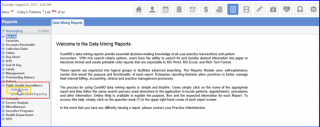
A report is available to search index cases and review their contacts. Follow the workflow mentioned above to land on the ‘Index Cases’ screen.
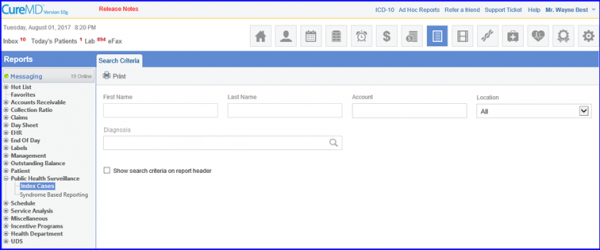
Users can filter index case reports using following criteria:
- ‘First Name’
- ‘Last Name’
- ‘Account Number’
- ‘Location’
- ‘Diagnosis’.
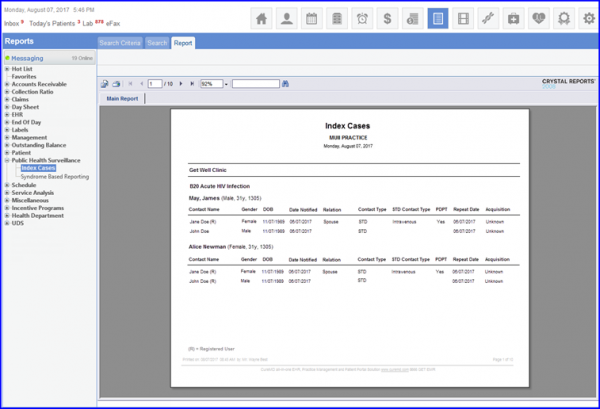
Input the required criteria and click the ‘Print’ button. Details of all relevant index cases will be printed in a separate tab.
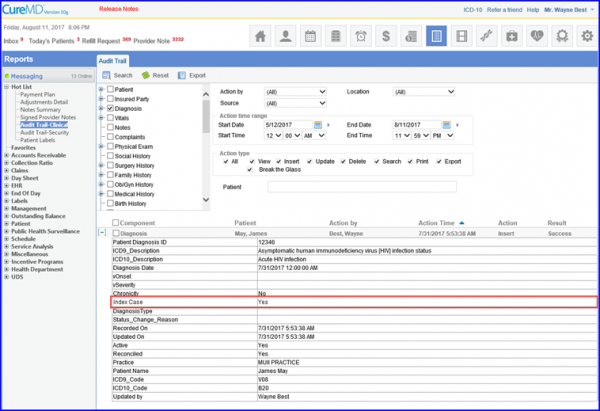
The system also maintains audit logs of all the actions performed on index contacts/cases. Entries in these logs are triggered if a patient is marked or unmarked as an index case against a diagnosis.