How to Register Patient for Patient Portal?
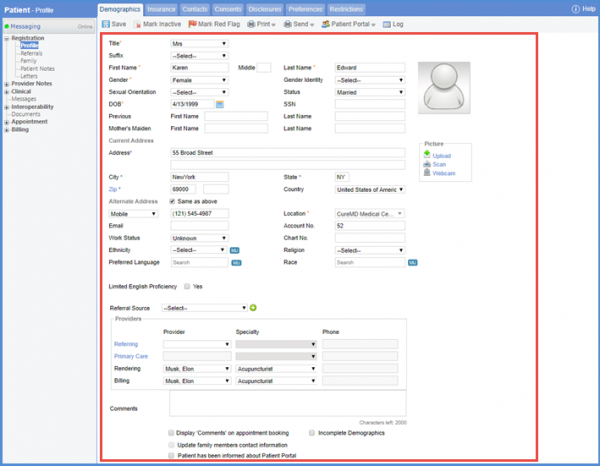
Follow the above mentioned workflow to land on ‘Demographics’ tab. Enter the patient details.
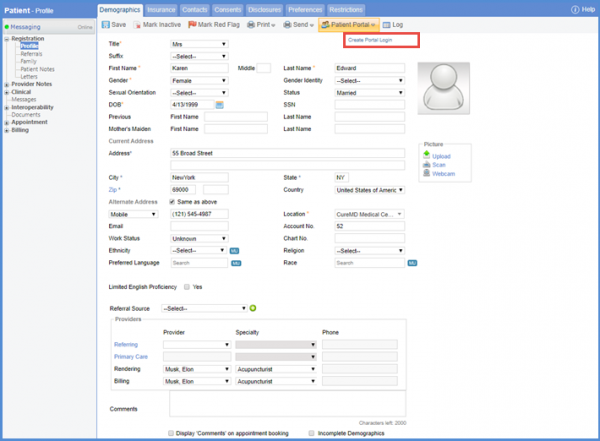
To register the patient for patient portal, hover over the ‘Patient Portal’ button and click ‘Create Portal Login.’
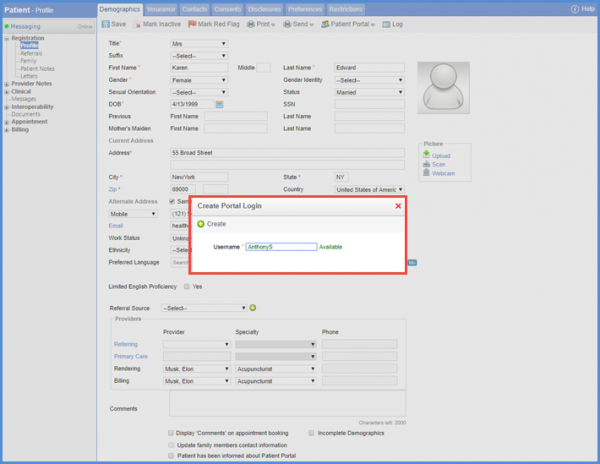
Doing so opens the ‘Create Portal Login’ popup, enter a username in the ‘Username’ field and click ‘Create.’
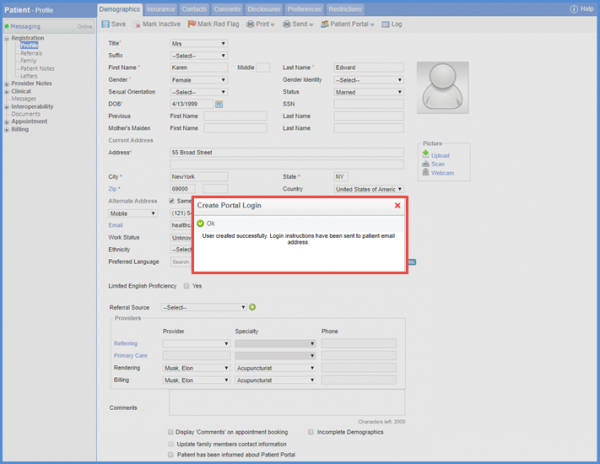
Clicking ‘Ok’ registers the patient on the patient portal.
Patient can also be registered from the ‘Settings’ module. To view how it is done, click here.
