How to Add Additional Contacts?
There can be more than one responsible party or point of contact. More contacts can be added by clicking on the Support plus sign. A pop-up window opens.
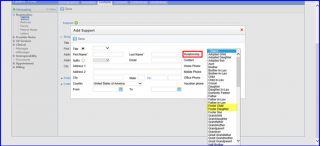
In the Relation drop down, the user needs to select how the Support Contact is related to the patient. The system also allows users to establish Foster parent relationship by providing the appropriate options in the drop down menu. Fill-in the field text boxes in the appropriate section(s), then click Save. The resulting window provides options to choose the type of Contact and the Relationship with the patient by selecting (clicking on) the appropriate description using the drop down menus to the right of those fields.
Values ‘Ex-Husband’ and ‘Ex-Wife’ are added to the relationship dropdown. Users can select patient’s ex-spouses as their support contacts too. 
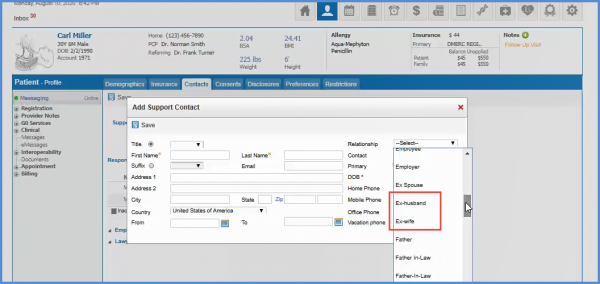
Similar options have been added to the relationship drop down in the Responsible Party contacts. To see more, click here.
