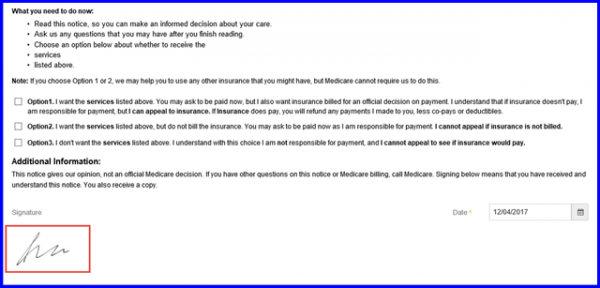
How to Sign ABN Form Using Touch Screen?
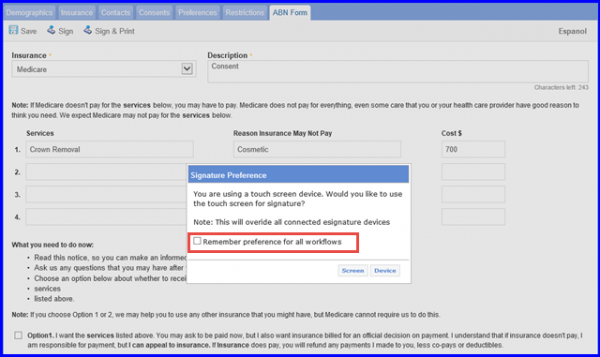
In case user is using a touch screen device, select Screen option. The following screen is displayed.
User can also tick mark Remember preference for all workflows, to automatically update the ‘Touch Screen’ checkbox in Scan & Print Preferences.
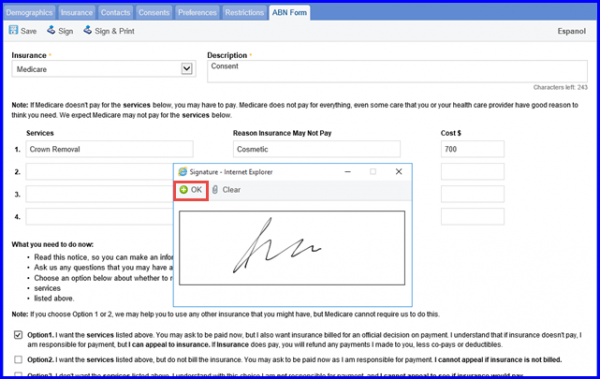
Click on OK in the dialog box to add signatures to the Provider Note or Letter.
Once done, hit the save button and sign the form.