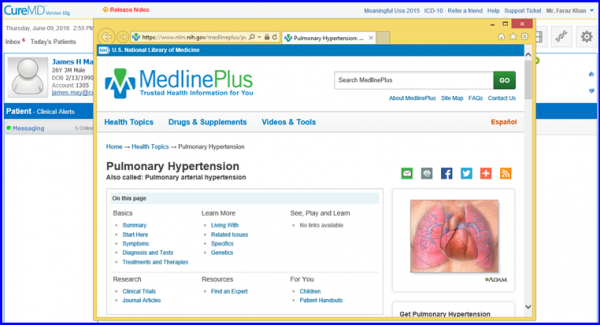
How to Generate Relevant Reference Material in Clinical Alerts?
The system automatically generates relevant reference material for specified Diagnosis and Medication.
In this section, select any Clinical Alert from the displayed list.
To learn how to enable this feature from the settings, please Click here.
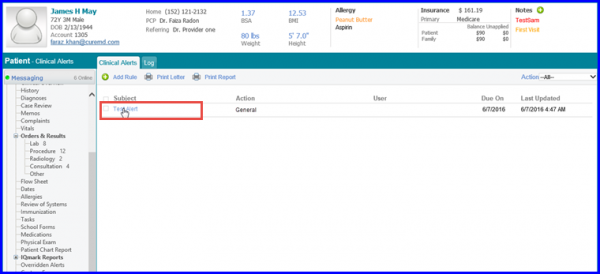
Once the user clicks on an alert, it takes them to Alert page. Here, user can view Reference Material for the relevant Patient Education.
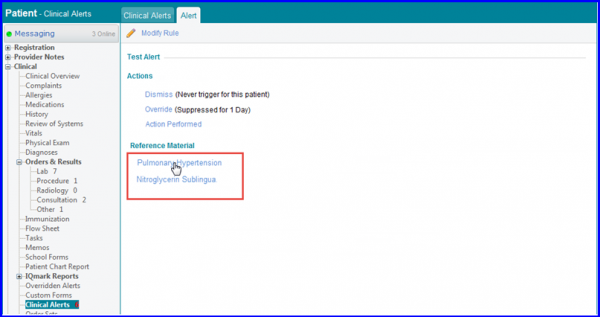
The Reference Material is automatically received from MedlinePlus.
Click on any Reference Material in order to view it. A window opens and displays the recommended Patient Education.