How to Split Date of Service into Multiple Intervals?
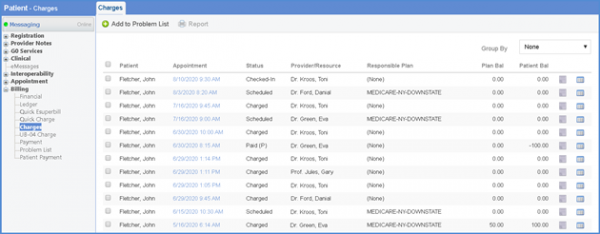
Follow the above-mentioned workflow to land on the Charges tab. Click on any charge to edit or create a new charge/quick charge.
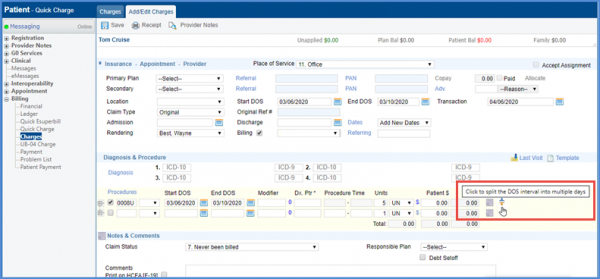
While entering Procedures for the charges, If there exists a procedure for multiple DOS, the system allows users to split the DOS interval into multiple days. 
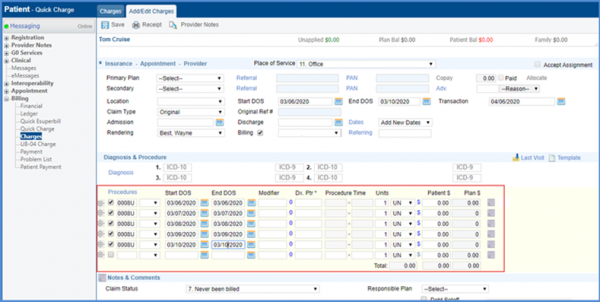
Clicking the Split DOS button copies all the information of that line into subsequent lines.
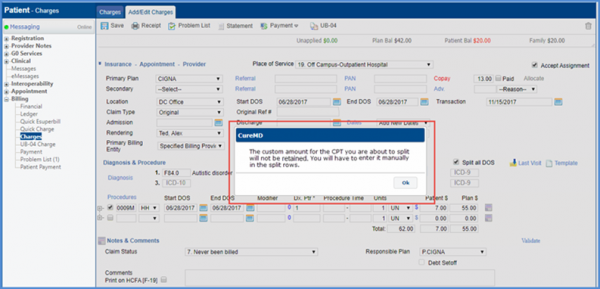
In case, the user enters a custom amount for a CPT (For both cases when the fee schedule for that CPT exists or does not) and clicks on the split icon, the system displays a prompts that the custom amount is not copied in subsequent rows; and that the user has to do it manually.