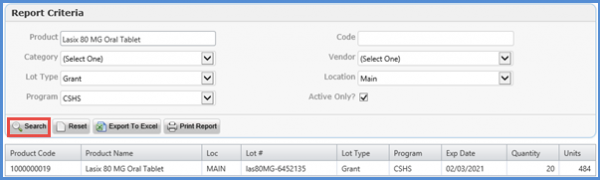
How to Search for a Product via Inventory by Lot?
Inventory By Lot enables the user to search for a product in the inventory on the basis of its lot type. After opening the Reports tab, the user can click Inventory By Lot from the left tree menu under the Inventory Reports section.
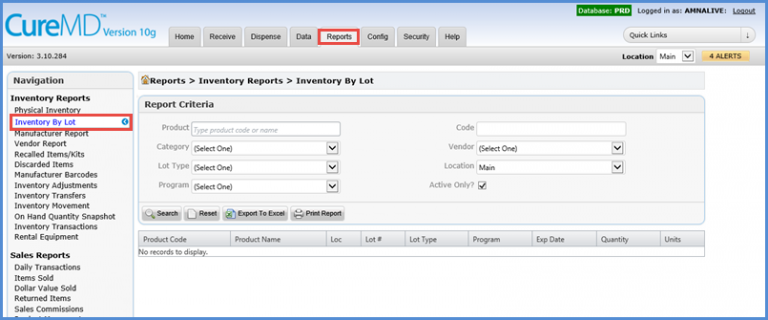
Doing so opens the Report Criteria window where the user can enter the product name or product code and select Lot Type, Location, Vendor, Program, and Category from the dropdown menus. Once done, the user can click on the Search button in order to search for the desired product.