How to Search Documents Using Document Name?
In the ‘Document Manager’ documents can be searched by using a specific document’s name. Follow the above mentioned workflow to land on the ‘Document Manager’ screen.
Select or search a patient.
Go to the ‘Patient Chart’ tab.
Select the relevant folder.
Search for documents by using the ‘Search by Document Manager’ option.
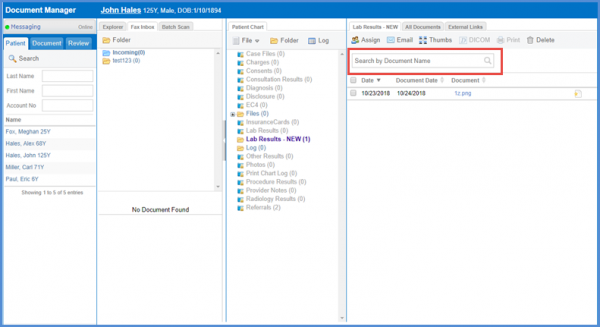
The ‘Search by Document Manager’ option is also available in the ‘All Documents’ tab.
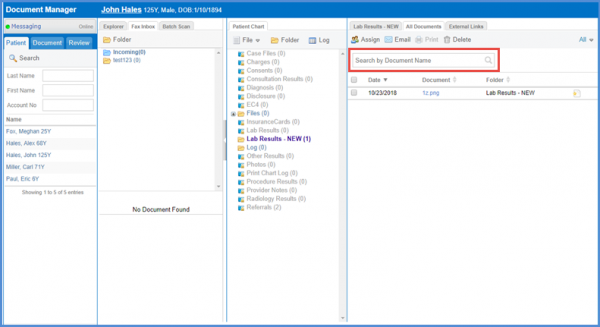
Similar addition is made to the assigned documents tab. To see that, click here.
