How to Select Preferred Pharmacy?
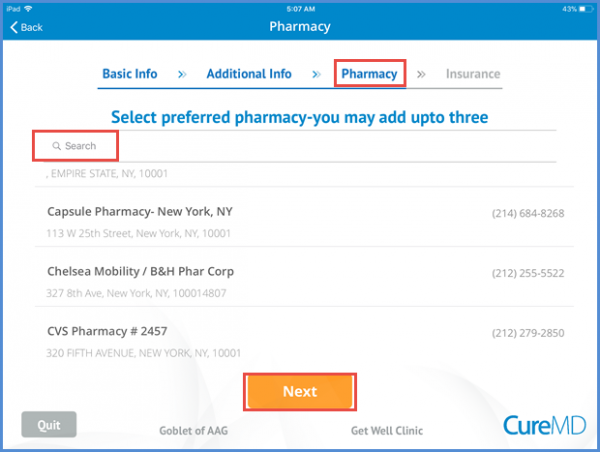
Patient can select a pharmacy from listed pharmacies or search by entering the pharmacy’s name in the search bar. Patient has the option to add up to 3 pharmacies.
Selecting the preferred pharmacy is not mandatory. Patient can skip to the next page by tapping the ‘Next’ button.
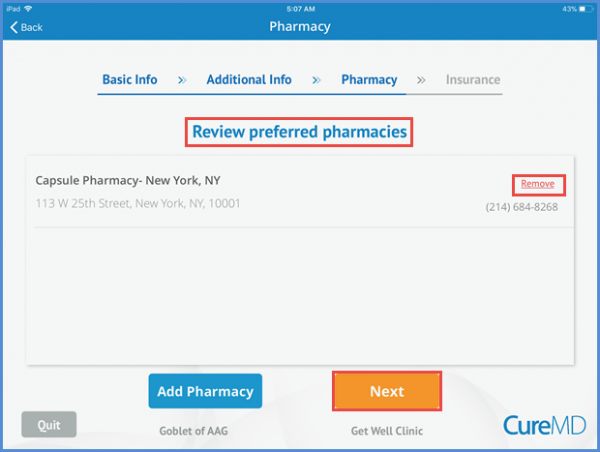
Patient also have the option to remove the preferred pharmacy by selecting the Remove option in-front of the pharmacy’s name. Changes are saved when the user tap’s the ‘Next’ button.