How to Register a New Patient?
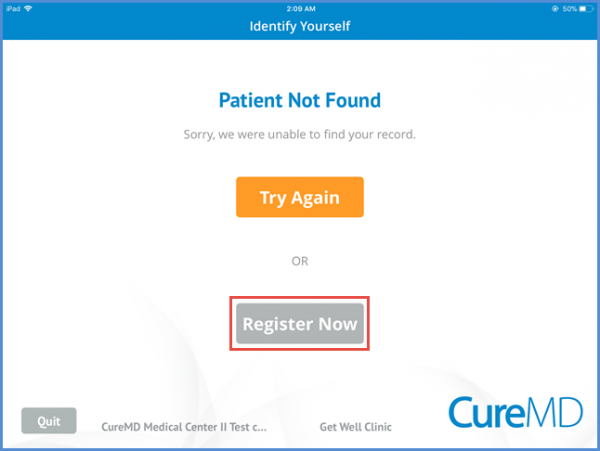
On the identify yourself screen if the patient is not identified, patient can be registered by tapping the ‘Register Now’ button.
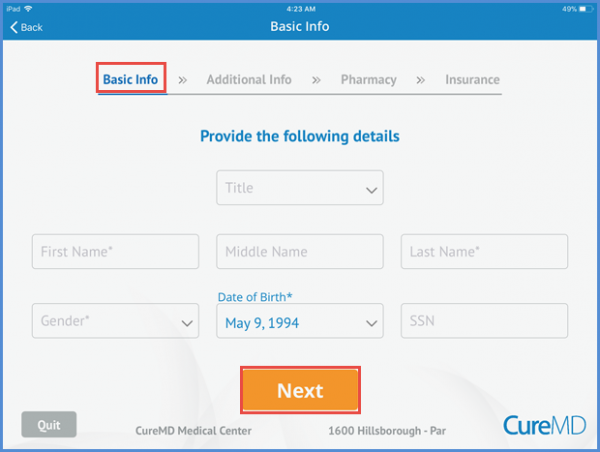
On the profile screen, patient enters the required personal information and tap the ‘Next’ button. The Middle Name and SSN fields are non-mandatory and can be skipped as per the patient’s discretion.
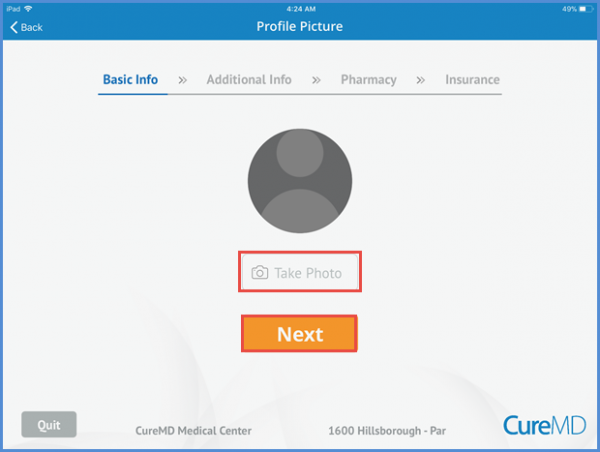
Patient can take the profile picture by selecting ‘Take Photo’ immediately by using the device’s camera. Patient can skip by clicking the ‘Next’ button.