How to Login to CureMD KIOSK?
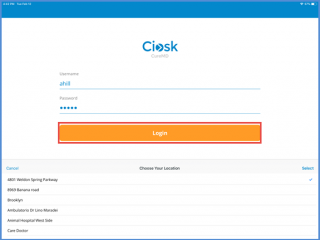
Practice user logins to the CureMD KIOSK application using the login credentials. Select the user location from the list and click the login button.
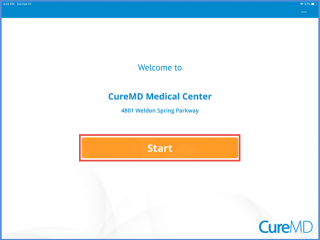
After login, user is navigated to the home screen. Clicking the start button user can proceed further.
To allow the registration of a new patient, user needs to enable the settings. To know how to enable the settings, Click Here.
