How to Login to CureMD KIOSK?

CureMD KIOSK > Login

Practice users can login to the CureMD KIOSK application using the login credentials. Select the user location from the list and click the login button.
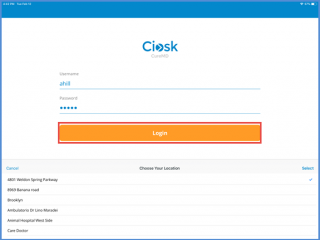
IMG_03991
Practice User Login

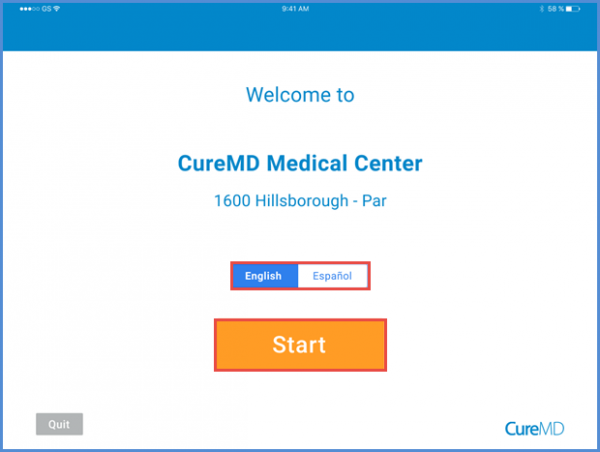
After logging in, the user is directed to the home screen.

Here, they can select either English or Spanish by tapping the desired language option. new_symbol-1

To proceed, the user clicks the “Start” button.After login, user is navigated to the home screen.


welcome-600x452
Home Screen

For the Walk-in appointment, users need to enable the Walk-In settings. To know how to enable these settings, Click Here.