What are Cards on File?
The online payments log also maintains a separate tab for Cards on file. This tab holds all the cards saved during processing transactions. These cards can be used to process transactions at a later date.
Follow the above mentioned workflow to navigate to “Cards on File” page.
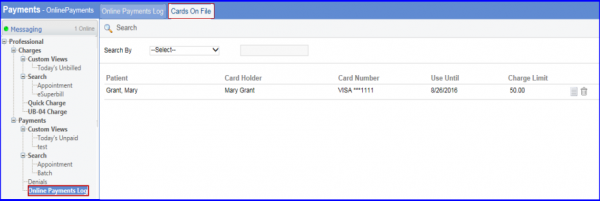
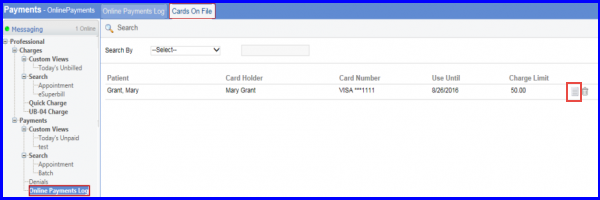
On “Cards on File” page, user can view agreement by clicking ‘View Agreement’ icon.
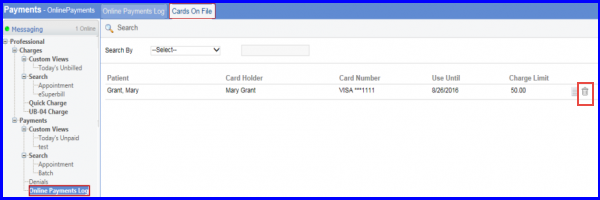
User can also delete any card that is saved on file by clicking the ‘Delete’ icon.
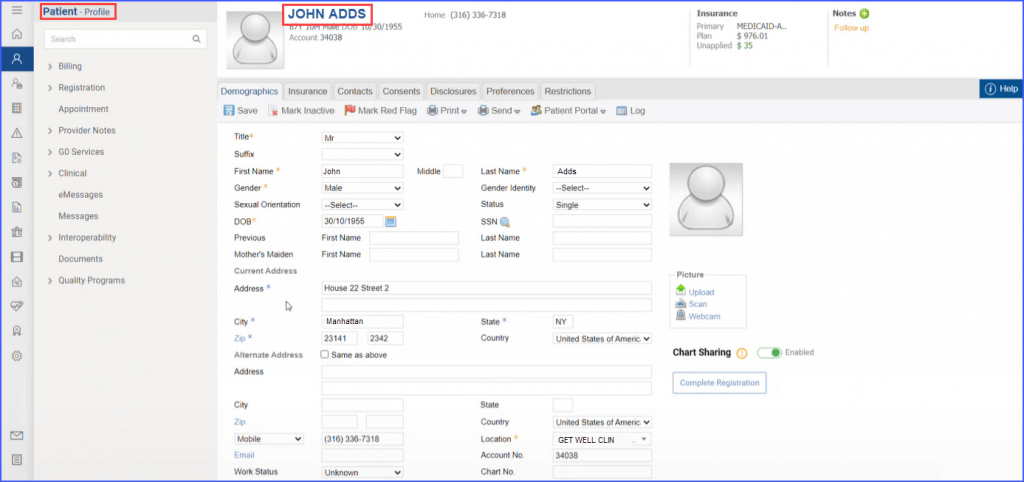
Patient names under the ‘Patient’ column are hyperlinked to provide direct access to the patients’ profiles.
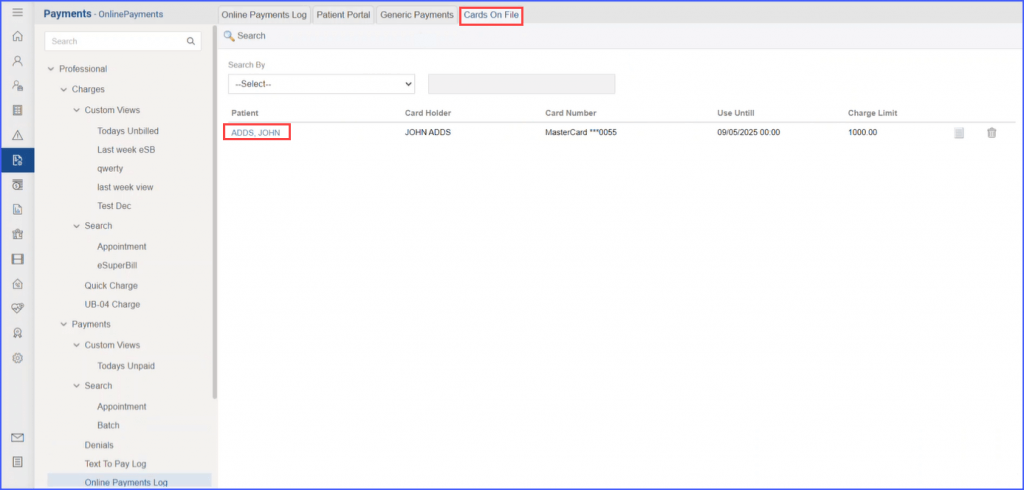
Users can immediately view a patient’s profile from the cards on file tab by simply clicking the blue hyperlink of the patient’s name. The system then promptly redirects them over to the patient’s profile page.