How to Search a Patient?
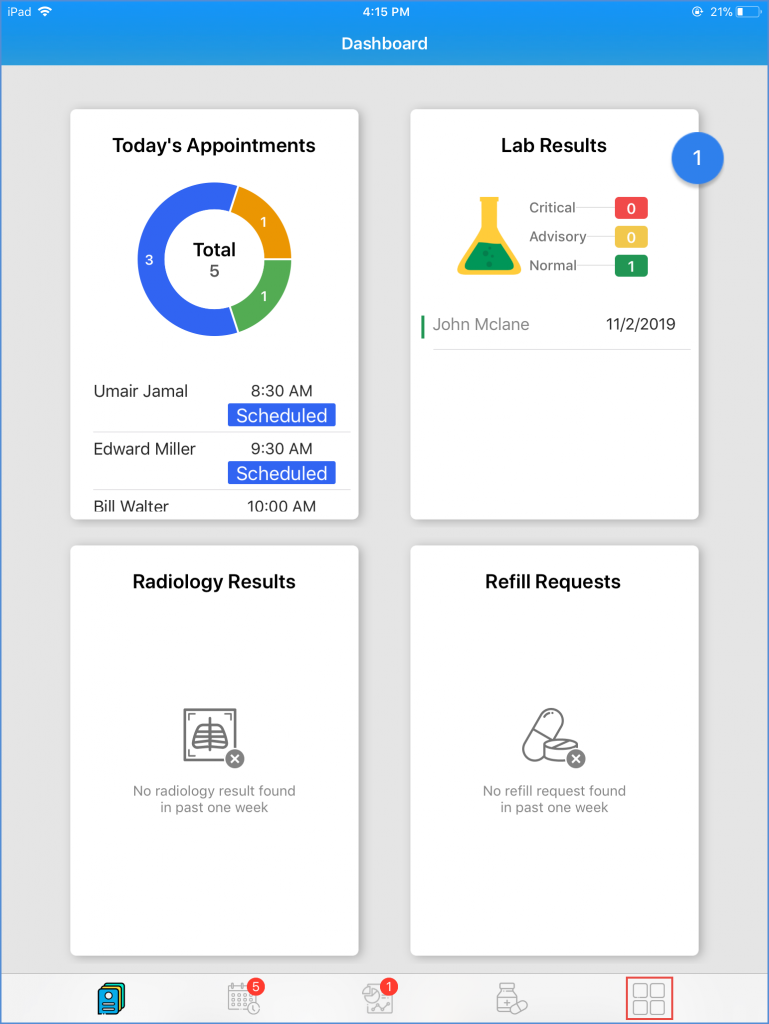
To search for a particular patient, log in to the Avalon application and, from the ‘Dashboard’, tap on the ‘Tab Bar’ icon.
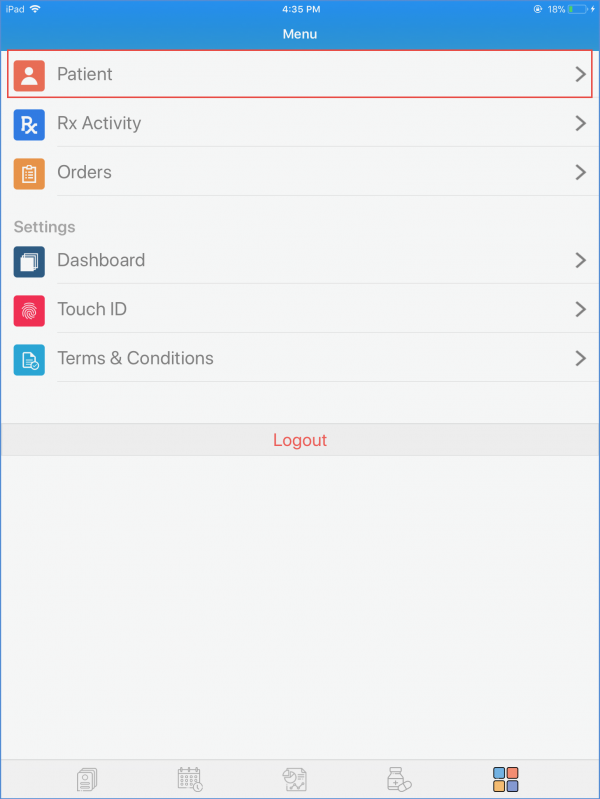
This opens up the “Menu” screen. From the available menu options, tap on ‘Patient’ to be taken to the Patient list.
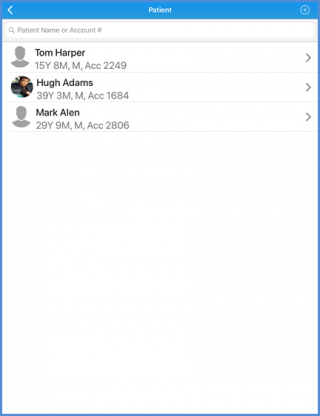
Here, enter the details of the required patient in the search bar. Patients can only be searched by their Last Names or Account Numbers.