How to Search and Register Patient?
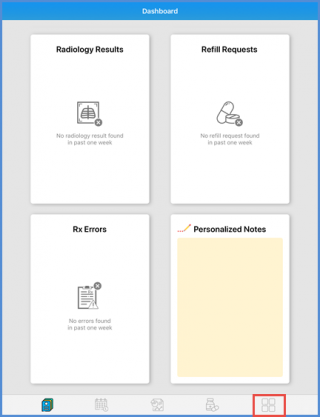
User can see the dashboard as they login to the Avalon. From the ‘Tab’ bar, tap the Menu icon to access the main menu.
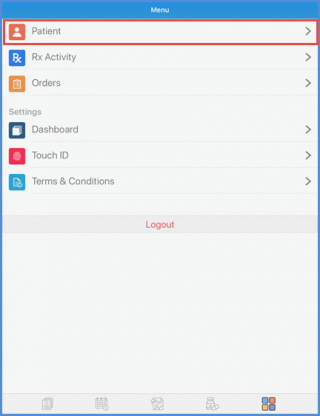
On the ‘Menu’ screen, user can see the patient option. Tapping ‘Patient’ on the screen, user can access Patient Profile options.
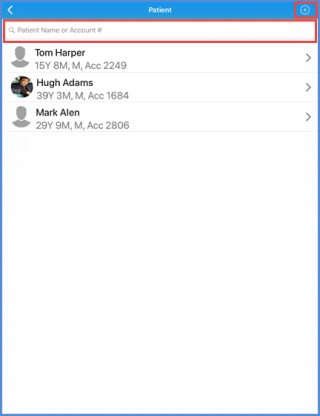
Here user has the option to search a patient or select patient from the hotlist. User can also add a new patient.
To know how to search a patient, click here.
To know how to add a new patient, click here.
