How to Sign, Sign off and Append a Provider Note?
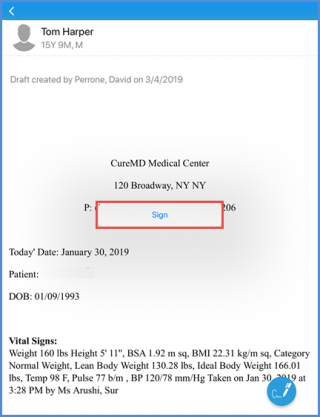
Provider note can be signed by the physician to prevent anyone to make the changes. Once the provider note is signed, user have the option to Sign off or Append the text.
Navigate to the list of the provider notes. To know how to access the provider notes, click here. Select the particular provider note from the list. At the bottom of the provider note screen, tap the Sign icon.
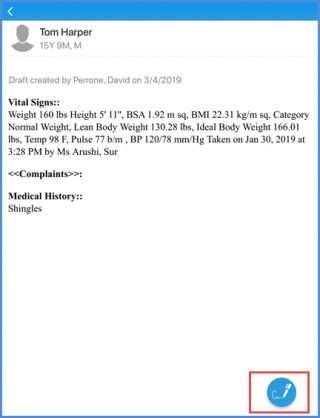
The confirmation popup asks the user to confirm signing the provider note. Tap the ‘Sign’ option from the screen.